What is POS Software? Complete Beginner Guide

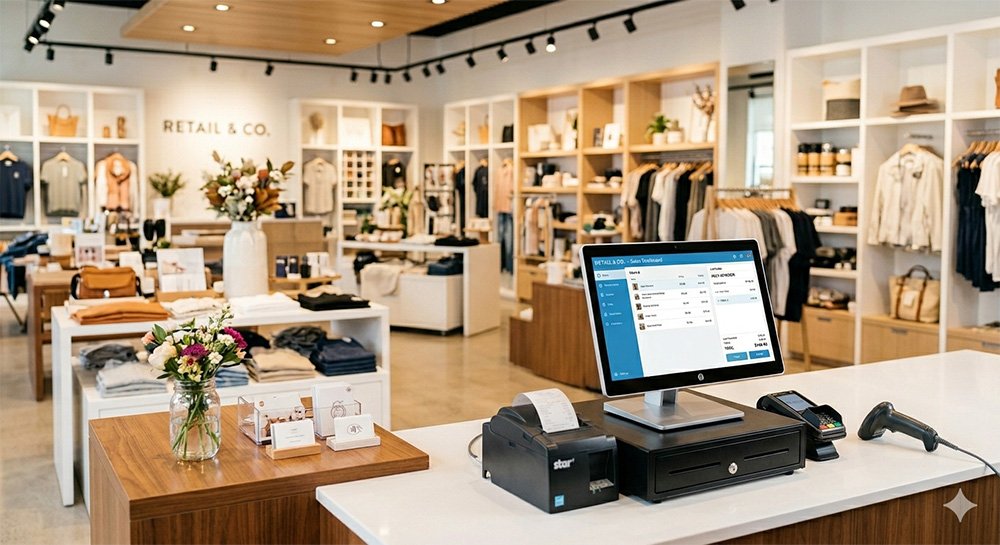
If you run a retail business, you’ve probably heard the term POS (Point of Sale) software. But what exactly does it mean, and why is it so important today?
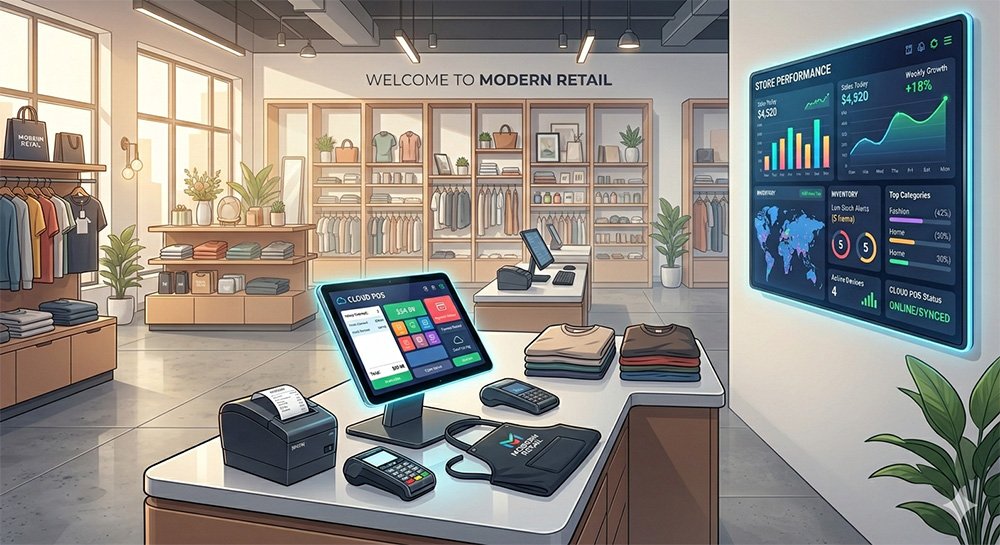
In simple terms, POS software is the system that helps you manage sales, inventory, and customer transactions in your business. Whether you own a small shop, grocery store, or multiple outlets, a POS system can completely transform how you operate.
In this beginner-friendly guide, we’ll explain everything you need to know about POS software.
💡 What is POS Software?
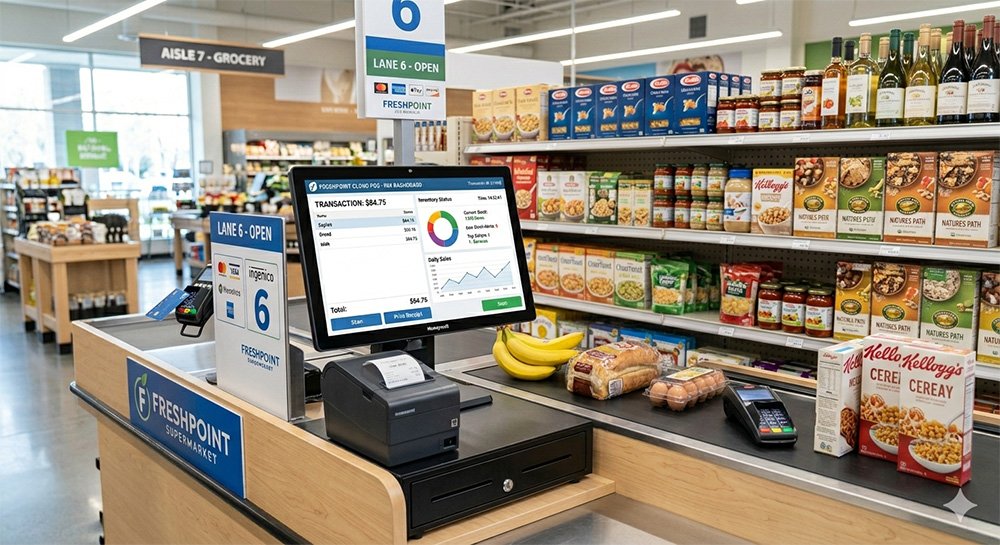
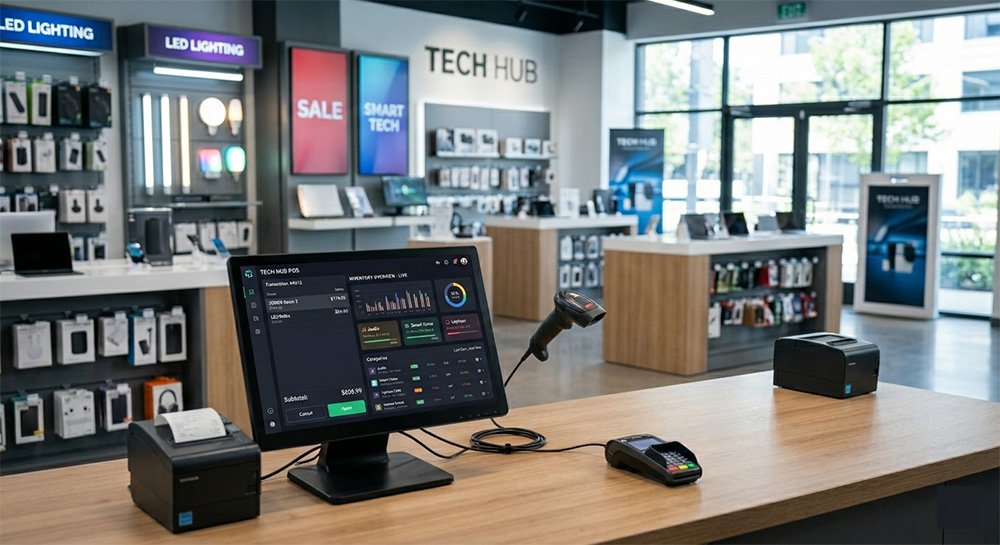
POS (Point of Sale) software is a digital system used to complete sales transactions. It is where customers make payments for products or services.
A modern POS system does much more than just billing. It includes:
- Sales processing
- Inventory tracking
- Customer management
- Reporting and analytics
👉 In short, it’s the central system of your business operations.
⚙️ How Does POS Software Work?
A POS system works in a few simple steps:
- A product is selected or scanned
- The system calculates the total price
- The customer makes a payment (cash, card, or mobile)
- The transaction is recorded automatically
- Inventory updates in real time
Everything happens instantly, reducing manual work and errors.
🧩 Key Features of POS Software
1. Billing & Invoicing
Generate invoices quickly and accurately.
2. Inventory Management
Track stock levels automatically and get alerts.
👉 Related: Read our guide on Inventory Management Software
3. Sales Reporting
Get insights into:
- Daily sales
- Profit margins
- Top-selling products
4. Customer Management
Store customer data and purchase history.
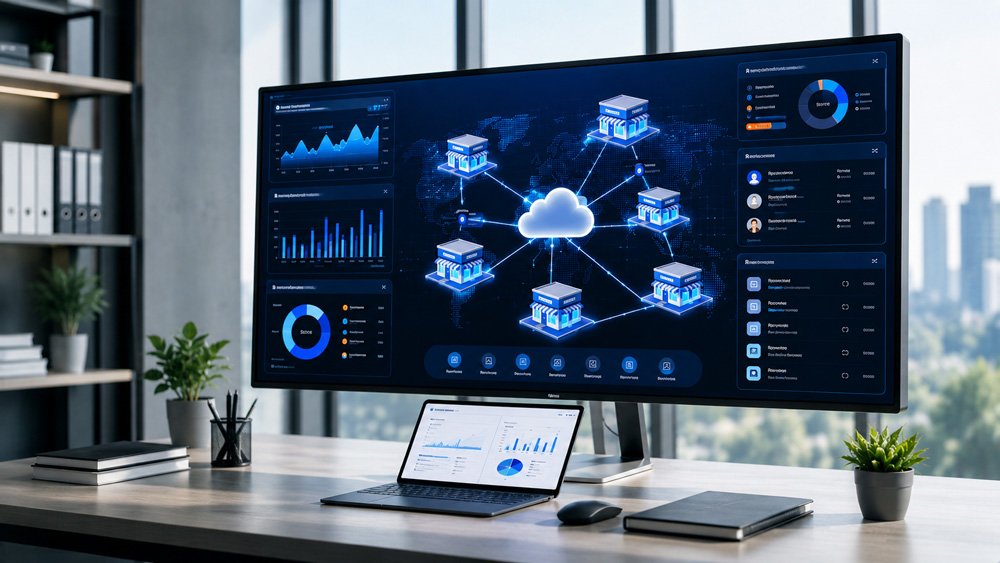
5. Multi-Store Management
Manage multiple outlets from one dashboard.
🚀 Benefits of Using POS Software
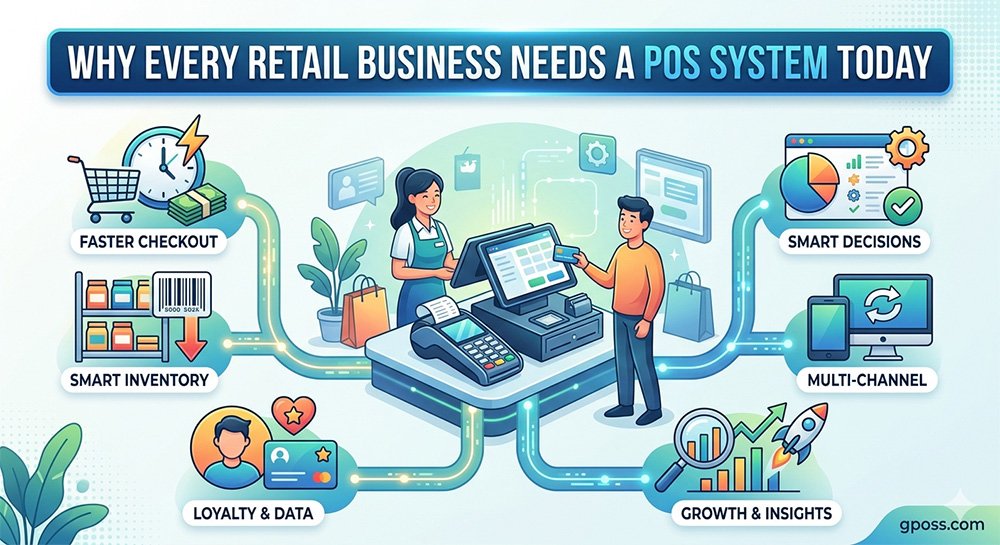
✔ Faster Checkout
Speed up billing and reduce customer waiting time.
✔ Better Accuracy
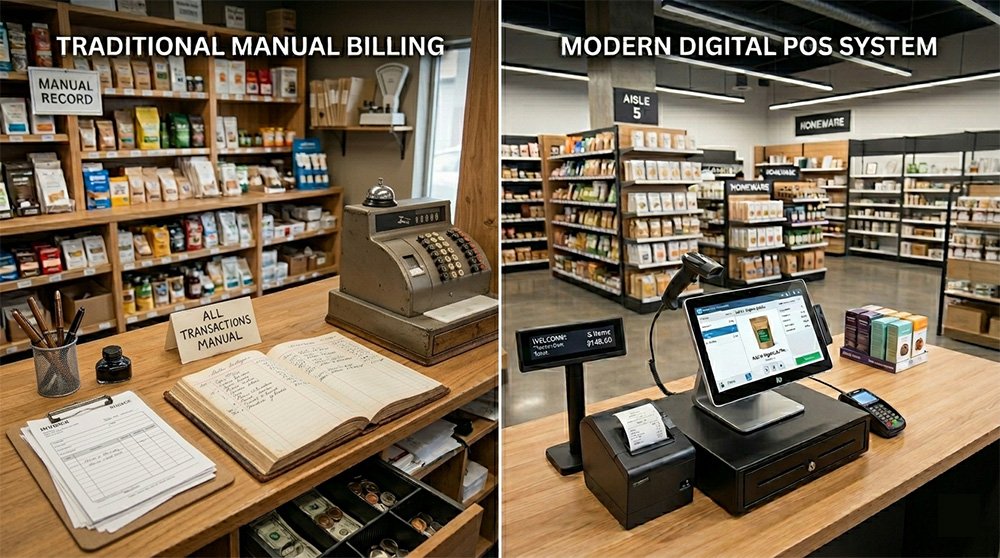
Eliminate manual errors in pricing and calculations.
✔ Real-Time Insights
Make smarter decisions using live data.
✔ Improved Customer Experience
Offer faster service and personalized deals.
👉 Related: Top 10 Benefits of Using POS Software for Retail Stores
🏪 Types of POS Systems
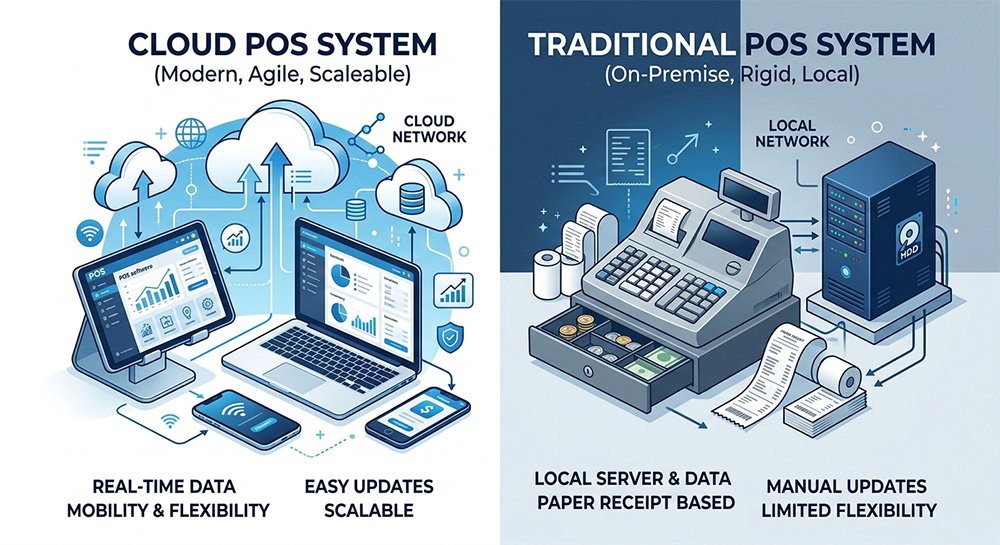
1. Traditional POS
Installed on local computers, works offline.
2. Cloud-Based POS
Runs online and stores data in the cloud.
👉 Learn more about cloud systems at
Investopedia
3. Mobile POS
Works on smartphones or tablets.
🔍 Who Needs POS Software?
POS software is useful for:
- Retail stores
- Grocery shops
- Restaurants
- Pharmacies
- Clothing stores
👉 If you sell products or services, you need a POS system.
🧠 How to Choose the Right POS Software
When selecting a POS system, consider:
- Ease of use
- Pricing (monthly or one-time)
- Features (inventory, reports, etc.)
- Customer support
- Scalability
👉 Related: How to Choose the Right POS Software for Your Business
⚠️ Common Mistakes to Avoid
- Choosing cheap but unreliable software
- Ignoring customer support
- Not training staff properly
- Using outdated systems
POS software is no longer optional—it’s essential for modern businesses.
It helps you:
- Manage sales efficiently
- Track inventory in real time
- Make smarter business decisions
If you want to grow your business, improve customer experience, and stay ahead of competitors, investing in the right POS system is a smart move.
🚀 Ready to upgrade your business?
Start using GPOS System today and take full control of your operations.
👉 Try Demo
👉 Get Free Consultation
👉 Go Digital & Grow Faster