
Apparel & Clothing Store POS
Apparel POS Software for Clothing & Fashion Stores
GPOS Apparel POS Software is billing, inventory and accounting software for clothing and fashion stores in Bangladesh. It keeps exact stock for every size and colour, prints barcode labels with price and MRP, handles exchanges and returns against the receipt, runs member cards and offers, and works in a web browser on a computer, tablet or phone.
We are working
with the world’s biggest brands


Apparel Definition
What is apparel POS software?
Apparel POS software is the counter and back-office system a clothing shop runs on: it bills customers, keeps stock for every size and colour, prints barcode tags and records who bought what.
GPOS Apparel POS Software is the GPOS retail POS system set up for fashion, with variant stock, label printing, exchanges, member offers and VAT invoices in one place for boutiques, garment stores and branded outlets.
-
Fast barcode billing
Scan a tag and the right size and colour lands on the bill. Keep several bills open at once when the counter gets busy.
-
Runs in the browser
Use it on a computer, tablet or phone. Your business gets its own web address and its own separate database.
-
Keeps selling offline
If the internet drops, the POS screen keeps billing and the bills are sent once the connection is back.
-
Want to see it with your own stock?
Talk to an expert
Apparel 6 features
Built for the way
clothing shops sell
Beyond stock and billing, these are the tools fashion retailers ask for most: price tags they design themselves, loyalty that brings customers back next season, offers the till applies on its own, and VAT invoices ready for Mushak.
-
Barcode labels with price and MRP
Design your own label in any size with the product name, size, colour, price and MRP, then print one for every piece you receive. It works with standard barcode label printers.
-
Member cards and reward points
Give regular customers a member card with tiers, member prices and reward points, and see each customer's purchase history at the counter.
-
Offers that apply themselves
Set up Buy X Get Y, combos, coupons and gift vouchers for Eid, Pohela Boishakh or an end-of-season sale. The POS applies them at billing, so nobody works out a discount by hand.
-
VAT invoices (Mushak-6.3)
Print Mushak-6.3 invoices at the counter and keep the VAT registers and the return worksheet up to date as you sell.
-
Bangla and English
Use GPOS in Bangla or English, so everyone at the counter and in the back office works in the language they read best.
-
Import from Excel
Bring your products, customers and suppliers in from an Excel sheet instead of typing them again. See how to import products.
-
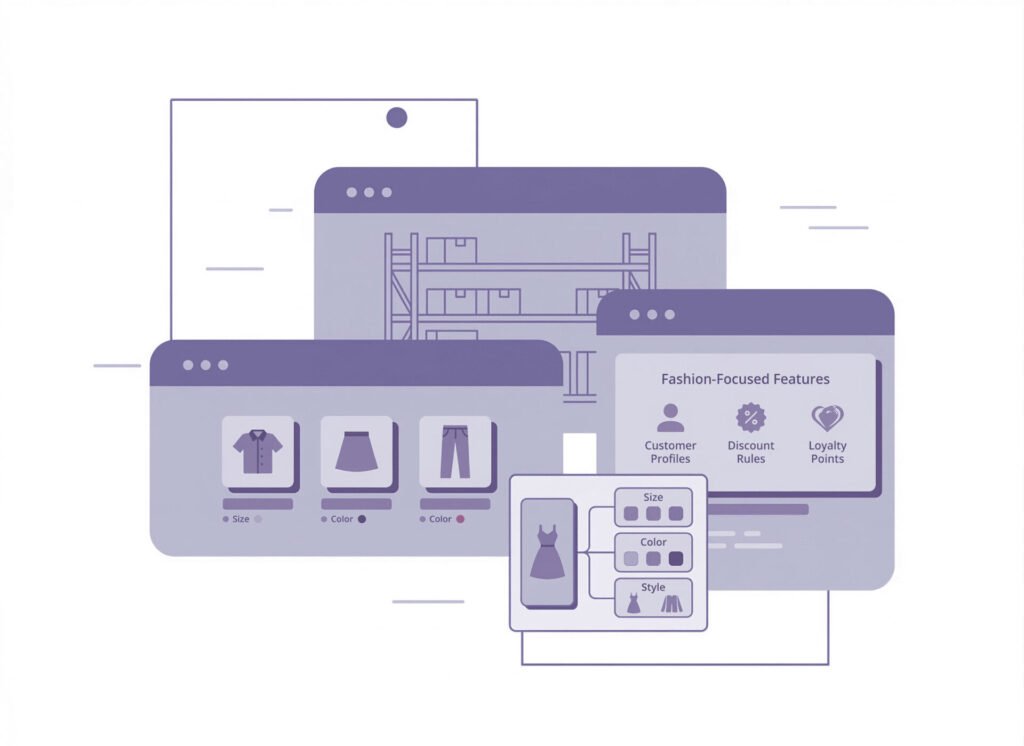
Exact stock for every
size and colourIn a clothing shop one shirt is really a dozen products: every size in every colour. GPOS keeps each size and colour variant as its own stock line with its own barcode, so you know the medium in navy is down to two while the large in white has not moved. Group products by brand, category, collection or season, and see how to add variants.
- See stock for each size and colour at every branch, so you reorder the sizes that sell instead of guessing.
- Find a product by name, barcode, size or colour at the counter and on the stock screen.
- Get low-stock alerts per variant before a popular size runs out.
- Compare sales by size, colour and season to plan the next collection.
-
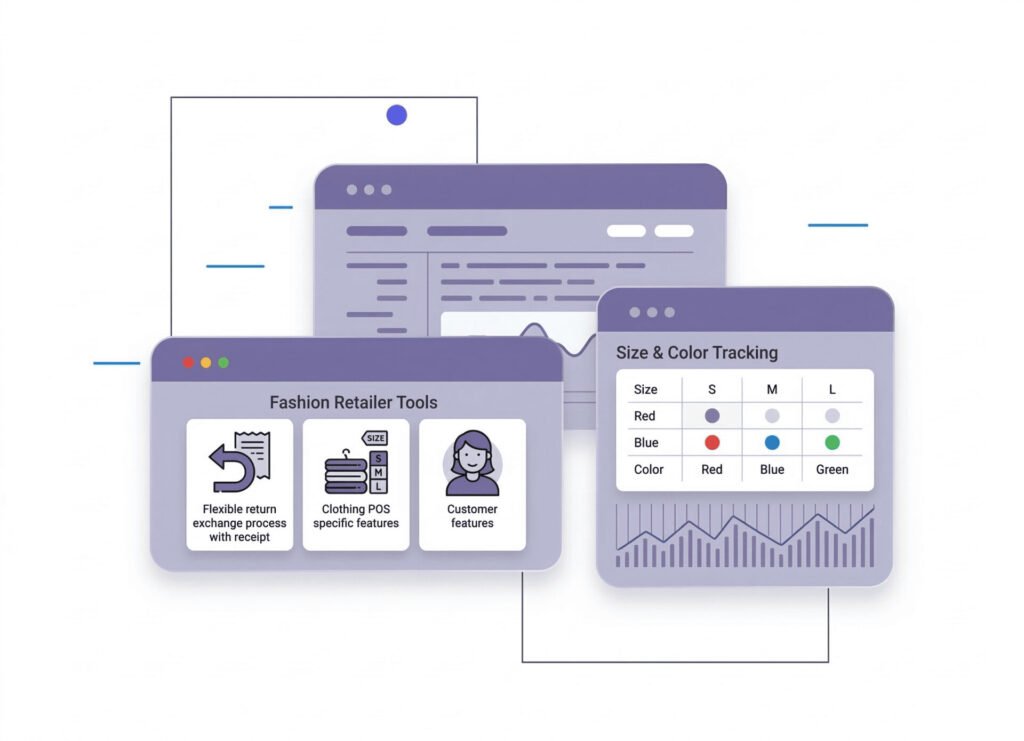
Exchanges and returns
against the receiptClothes come back: the wrong size, a colour that looked different at home, a gift. GPOS finds the original sale from the receipt, takes the item back into stock under its own size and colour, and settles an exchange on the same bill. See how a sales return works.
- Look up the sale by its receipt, so only items you actually sold can come back.
- Returned pieces go straight back into stock in the right size and colour.
- Swap a size or colour in one transaction, with stock updated on both sides.
- Every return and exchange shows in the reports and the activity log.
-
One stock for your shops,
warehouse and online storeOpen a second outlet or a warehouse and GPOS keeps each location's stock separate but visible from one account. Move stock between shops and warehouses with a transfer, sell online through a WooCommerce store that uses the same stock, and send orders with Steadfast, Pathao, RedX, Paperfly or eCourier. Chains can read more on the multi-store POS system page.
- Stock transfer between shops and warehouses
- WooCommerce online store from the same stock
- Courier delivery with Steadfast, Pathao, RedX, Paperfly and eCourier
- Roles and permissions per branch, with an activity log
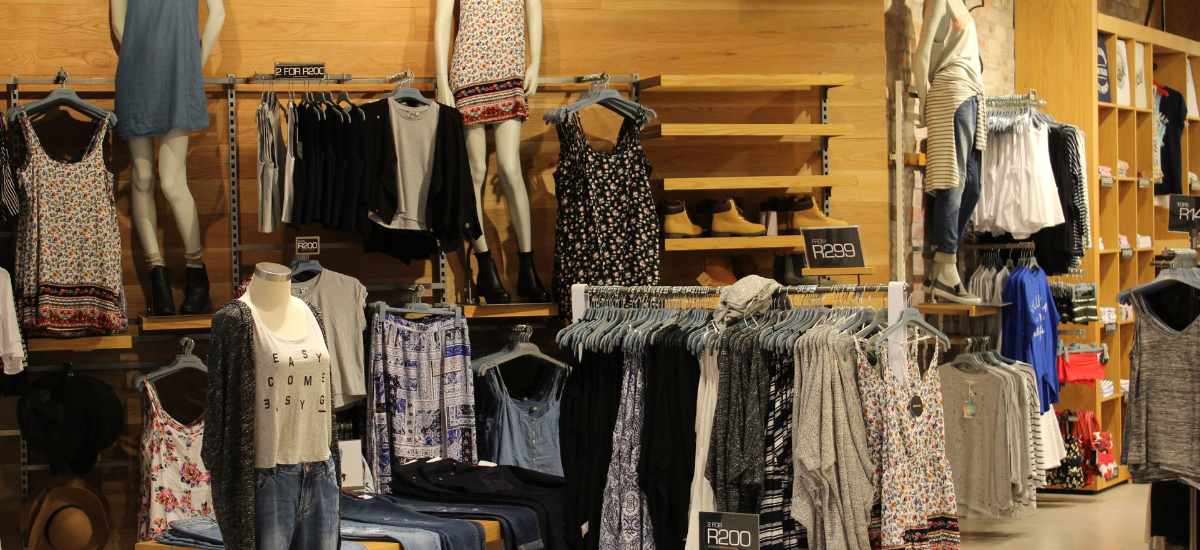
One platform, every module
Apparel POS Modules for Every Size and Color
From the supplier's delivery to the Eid rush at the counter, these modules keep every size and color in stock, every exchange on record and your books up to date as you sell.
-
Buy & make
Purchases and production
-
Stock
Every shelf and warehouse
-
Sell
At the counter and on invoice
-
Get paid
Customers, dues and books
-
Grow
Staff, messages and branches

1 · Buy & make
BackOffice
Buy from garment suppliers and always know what you owe them.
- Purchase orders for each new collection
- Faulty pieces returned to the supplier
- Supplier ledgers with every due
- Styles imported from Excel, prices bulk-updated

1 · Buy & make
Manufacturing
Run your own label: fabric and trims turned into finished garments.
- A bill of materials for each garment
- Fabric, buttons and thread taken from stock
- Finished pieces ready to tag and sell
- Alerts before you run short of fabric

2 · Stock
Inventory
Exact stock for every size and color of every style.
- Each size and color a stock line of its own
- Labels printed with price and MRP
- Low-stock alerts before a popular size runs out
- Brands and categories for every collection
2 · Stock
Multi Warehouse
Stock in the warehouse, on every shop floor and on its way between.
- New arrivals received in the warehouse first
- Transfers to shops by size and color
- The rack that holds every style
- Shops confirm the pieces they receive

3 · Sell
Sales
Counter sales, invoices and size swaps that put the stock back.
- Exchange a size or color on the same bill
- Returned pieces back in stock in the right size
- Mushak-6.3 VAT invoices at the counter
- Sales compared by size, color and season

3 · Sell
POS (Point of Sale)
The counter screen that keeps up when the shop fills before Eid.
- Scan a tag and the right size lands on the bill
- Several bills open while customers try on
- Billing carries on if the internet drops
- Cash and other payment methods on one bill

3 · Sell
Order & Quotation
Online and phone orders, from quotation to the courier.
- Quotations for uniforms and bulk buyers
- Orders held as drafts until the buyer confirms
- Parcels sent with Steadfast, Pathao or RedX
- Tracking for every parcel on its way

3 · Sell
Services
Alterations and claims, from job card to invoice.
- Alteration jobs on a card, billed when done
- Claims checked against the original invoice
- Faulty stock sent back to the supplier
- Serial numbers for watches and accessories

4 · Get paid
Accounting
Know what each season earned after rent, salaries and VAT.
- Double-entry books behind every sale
- Profit and loss after the Eid season
- Bank statements matched to your books
- VAT (Mushak) registers kept as you sell

4 · Get paid
CRM
Regular shoppers, what they bought and their points in one profile.
- Member cards with tiers and member prices
- Reward points that bring them back next season
- Coupons and gift vouchers for Eid gifting
- New-collection offers by SMS and email

5 · Grow
Multi business / Multi Branch
Every outlet, from the mall shop to the flagship, in one account.
- Each outlet with its own stock and staff
- Sizes moved to the branch that is out of them
- Branch sales side by side and combined
- Permissions set per branch, with an activity log

5 · Grow
Communication
Tell customers about new arrivals and keep your team informed.
- Arrival and sale SMS, by hand or automatic
- Your shop's own sender ID
- Email offers to your member list
- Notice board for floor staff

5 · Grow
HRM
Sales staff, shifts and salaries for every outlet in one place.
- Extra shifts set up for the festival rush
- Daily attendance for floor and stock staff
- Leave planned around the Eid season
- Payroll worked out from attendance
Apparel Side by side
GPOS vs a notebook, Excel
or a generic POS
Most clothing shops start with a notebook or a spreadsheet, and some try a general POS first. Here is what changes at each step.
| What a clothing shop needs | Notebook or Excel | Generic POS | GPOS Apparel POS |
|---|---|---|---|
| Stock by size and colour | Counted by hand | Often one stock count per product | Exact stock for every size and colour variant |
| Price tags | Written by hand | Standard label layouts | Your own barcode label design with price and MRP, in any size |
| Billing | Totals added by hand | Barcode billing | Barcode billing with several bills open at once |
| Exchanges and returns | Hard to trace | Basic refunds | Against the original receipt, back into stock by size and colour |
| Loyalty and offers | Not practical | Simple discounts | Member tiers, member prices, reward points, Buy X Get Y, coupons and gift vouchers |
| Branches and online store | Separate books | Varies by product | Stock transfer between shops and warehouses; WooCommerce from the same stock |
| VAT | Prepared separately | Varies by product | Mushak-6.3 invoices, VAT registers and the return worksheet |
| When the internet drops | Not affected | Varies by product | Keeps billing offline and sends the bills later |
Apparel Getting started 6 steps
How to start with
GPOS in your
clothing store
Going live takes six steps, the same ones the GPOS Help Center walks you through. Call 0179 22 88 555 or email info@gposs.com for a free demo first.
-
Pick your business type
Choose Retail from the 11 GPOS industry solutions: it is the one with size and colour variants, label printing and member offers for clothing shops.
-
Choose a plan
Pick Basic, Standard or Premium, or begin on a trial plan and move up when you are ready.
-
Get your shop online
Your business gets its own web address and its own separate database, ready on a computer, tablet or phone.
-
Set up your shop
Add your shops, users and products with their sizes and colours, or import products, customers and suppliers from Excel.
-
Sell and serve
Scan barcodes, keep several bills open, apply member prices and offers, and handle exchanges at the counter.
-
Watch it all update
Stock, dues, accounts and reports update with every sale, for every size, colour and branch.
Customer stories
Feedback From Real Customers
Shop owners on what changed after their billing, stock and accounts moved to GPOS.
GPOS System has transformed the way we manage our fashion store. From billing and inventory tracking to customer management and sales reporting, everything is now organized and efficient. The system is fast, easy to use, and helps us stay on top of stock and trends
GPOS System has been a great solution for our bike shop. It makes billing, inventory management, and sales tracking simple and efficient. Managing spare parts, customers, and reports is now much easier
GPOS System has been an excellent solution for our toy shop. It simplifies billing, inventory management, and sales tracking, making daily operations much more efficient. Managing products, customers, and reports is now easy
GPOS System has been an excellent solution for our sanitary products business. It simplifies billing, inventory management, and sales tracking, helping us manage stock accurately and serve customers efficiently. The system is fast, reliable, and easy to use
GPOS System has been a great addition to our organic products shop. It makes billing, inventory management, and sales tracking simple and efficient. Managing products, customers, and reports is now much easier, helping us save time and improve accuracy
This POS software has made our daily sales process much faster and more organized. The interface is simple and very easy to use.
Great customer support and customizable features. This POS solution perfectly fits our business needs
GPOS System has transformed our salon and spa operations. Billing, accounting, and inventory management are now faster, more accurate, and easier to track. It saves us valuable time every day and helps us serve customers better
We use GPOS System to manage billing, accounting, and inventory for our electronics store. It is fast, reliable, and easy to use. The real-time reports and stock management features have improved our efficiency, reduced errors in our everyday business operations
Using GPOS System for our Engine Oil distribution business has transformed operations. Billing, inventory, and accounting are now faster, accurate, and well-organized. Real-time stock tracking and detailed reports help us make better business decisions every day
I use GPOS System for my computer hardware business to manage billing, inventory, and accounting. It is reliable, easy to use, saves time, improves accuracy, and helps me efficiently manage daily business operations and stock control in single software
We use GPOS System in our supershop to manage billing, accounting, and inventory. It’s fast, reliable, and easy to use. The system has improved our efficiency and helped streamline daily operations significantly
We use GPOS System in our IT Shop every day. It’s fast, reliable, and easy to use. Inventory, sales, and billing are now fully organized, helping us save time and improve customer service. I highly recommend it for any IT shop
We've been using GPOS System at Adnan Drug House, and it has significantly improved our daily operations. Inventory tracking, billing, and reporting are now faster and more accurate. Highly recommended
GPOS makes billing, inventory, and sales management easy. Manage products, clients, and reports in one for trading businesses. Highly recommended for trading business that wants to manage effortlessly!
GPOS System has been a game-changer for our pharmacy. It makes billing, inventory control, and sales management fast and accurate. Managing medicines, stock levels, customers, and reports is now much easier
Safa Departmental Store has greatly benefited from using GPOS System. It has simplified billing, inventory management, and sales tracking, making daily operations faster and more efficient
GPOS System has been a valuable asset for our trading business. It makes billing, inventory management, and sales tracking simple and efficient. Managing products, customers, suppliers, and reports is now much easier
Before you switch
FREQUENTLY
ASKED
QUESTIONS (FAQ)
Everything owners ask before moving their shop to GPOS. If your question is not here, our team is a message away.
Expert team, 24/7
With dedicated 24/7 support, GPOS goes beyond being just a platform. We are your partner, from setup and data import to training your staff.
- Support
- 24/7, dedicated
- Setup
- Same day, nothing complicated
- Trial
- Free, before you buy
What is GPOS Apparel POS Software?
GPOS Apparel POS Software is billing, inventory and accounting software for clothing and fashion stores, from GPOS System in Dhaka, Bangladesh. It tracks stock for every size and colour, prints barcode labels with price and MRP, handles exchanges and runs member offers, in Bangla or English, in the web browser on a computer, tablet or phone.
How is GPOS different from a general POS system?
GPOS is set up for the way clothing sells, where a general POS treats each product as one item:
- Size and colour variants, each with its own stock and barcode
- Collections and seasons to group stock and compare sales
- Barcode labels you design, with price and MRP
- Exchanges and returns back into stock by size and colour
- Member cards and offers that apply themselves at billing
Does GPOS support inventory with size and colour variations?
Yes. Every size and colour is a variant with its own stock count, so GPOS knows exactly how many Medium/Red or Large/Blue pieces each shop holds, warns you when a variant runs low and prints a barcode for each one. See how to add product variants.
Can I generate barcodes for each item?
Yes. GPOS generates a barcode for every product and variant, and you design the label yourself, in any size, with the name, price and MRP. Scan it at billing, purchases and stock transfers. See how to generate barcodes.
Is there customer loyalty and discount support?
Yes. GPOS has member cards with tiers, member prices and reward points, and offers that apply themselves at billing: Buy X Get Y, combos, coupons and gift vouchers, for an Eid sale, a new season or a clearance.
How much does GPOS Apparel POS Software cost?
GPOS has three plans for every industry, Basic, Standard and Premium, and you can start on a trial plan. Clothing stores use the Retail plans: see current prices on the Retail pricing page or call 0179 22 88 555 for a free demo.
Does GPOS work if the internet goes down?
Yes. The POS screen keeps selling offline and sends the bills once the connection is back, so the counter never has to stop.
How are exchanges and returns handled?
Against the original receipt. GPOS finds the sale, puts the item back into stock under its own size and colour, and settles an exchange on the same bill. See how to process a sales return.
Can I run several shops and an online store on the same stock?
Yes. Each shop and warehouse keeps its own stock in one account, stock transfers move goods between them, and a WooCommerce online store sells from the same stock, with delivery by Steadfast, Pathao, RedX, Paperfly or eCourier. See the multi-store POS system.
Does GPOS print VAT (Mushak-6.3) invoices?
Yes. GPOS prints Mushak-6.3 invoices and keeps the VAT registers and the return worksheet, so your VAT figures come straight from billed sales.
