
Fast food POS
Fast Food POS System for Rush-Hour Counters and Kitchens
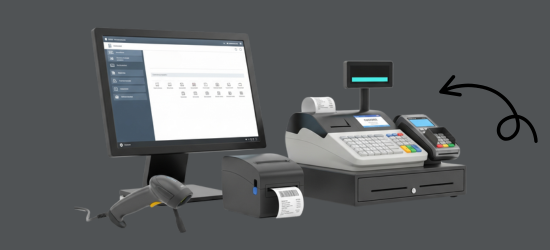
Burger, pizza and fried chicken shops get a quick counter mode in GPOS Fast Food POS System, and each order reaches the kitchen as a KOT on paper or the kitchen screen. Combo meals ring up as one item, offers apply themselves, and the till still works if the internet drops.
We are working
with the world’s biggest brands


Fast Food Store 6 features
Ready for the rush
at a fast food counter
Past the combo menu and quick checkout, these tools keep a fast food store's kitchen, stock and crew in step with the counter: tickets sent as you ring up, ingredients counted per item, perishable alerts, extra tills, deliveries and payroll.
-
Tickets to the kitchen as you ring up
Each order reaches the kitchen as a KOT, on a printer or a kitchen screen, with modifiers like extra cheese spelt out, and the cooks mark it done so the counter can call it.
-
Ingredients deducted with every burger
Give every burger, wrap and side a recipe, and each sale takes its buns, patties and sauces out of stock, so the count on screen matches what actually left the kitchen.
-
Alerts before perishables run short
Track perishable stock such as lettuce, buns and chicken, and get a low-stock alert in time to reorder, instead of crossing items off the menu at lunchtime.
-
Extra tills when the queue grows
Open another terminal at the counter when the queue builds. Every till shares the same menu, stock and sales, so the extra counter is ready to take orders as soon as someone logs in.
-
Payroll for a shift-working crew
Keep attendance and payroll in the same HRM as your shifts, so when pay day comes the crew's days on duty are already on record.
-
Deliveries booked in before the rush
Record each supplier delivery as a purchase when it arrives, so stock of buns, patties and drinks is up to date before the doors open for lunch.
-
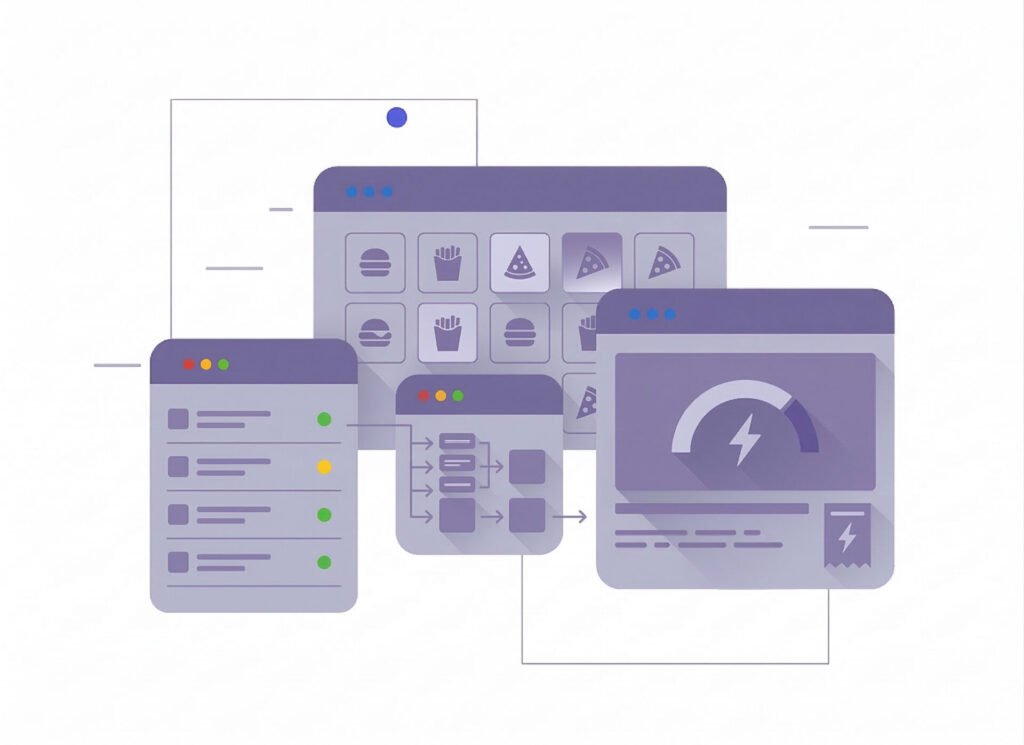
Fast
Order ProcessingFast Order Processing in Fast Food POS speeds up billing with quick item selection, touch-based ordering, and instant checkout—reducing wait times, improving accuracy, and helping serve more customers efficiently during peak hours.
- Faster order entry
- Reduced customer waiting time
- Improved billing accuracy
- Handle rush-hour orders easily
- Serve more customers quickly
-
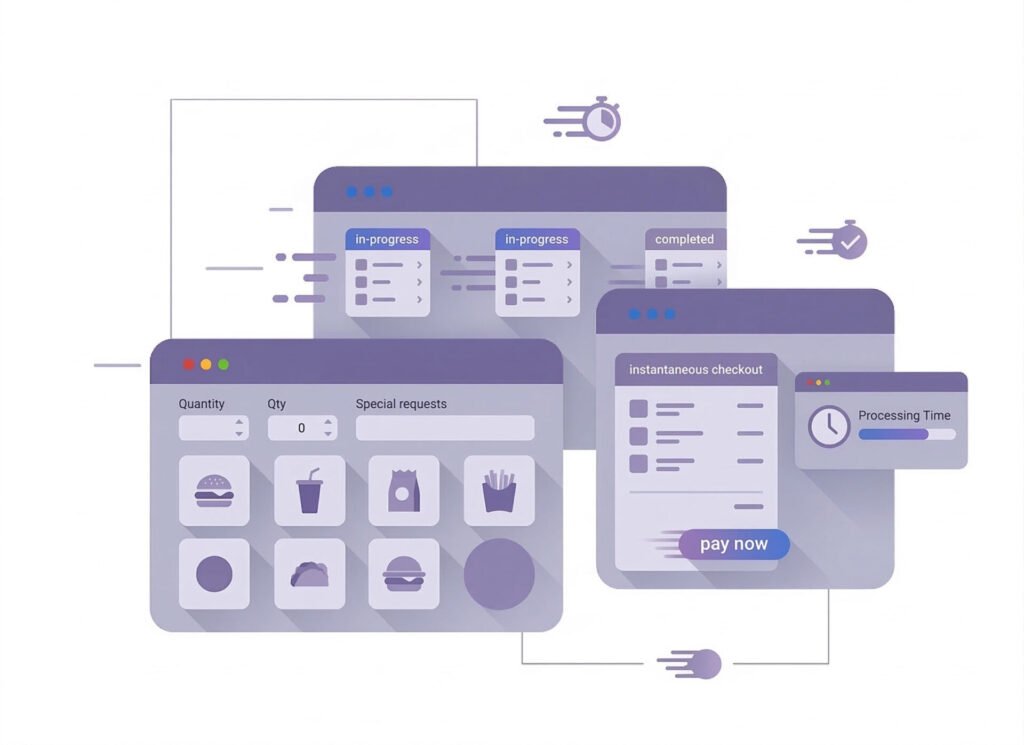
Menu &
Combo ManagementMenu & Combo Management in Fast Food POS helps organize menu items, create combo meals, manage modifiers, update prices quickly, and control availability—making ordering faster, improving accuracy, and increasing sales.
- Easy menu item management
- Create profitable combo offers
- Quick price updates
- Item modifiers (extra cheese, spicy, etc.)
- Faster and more accurate order processing
-
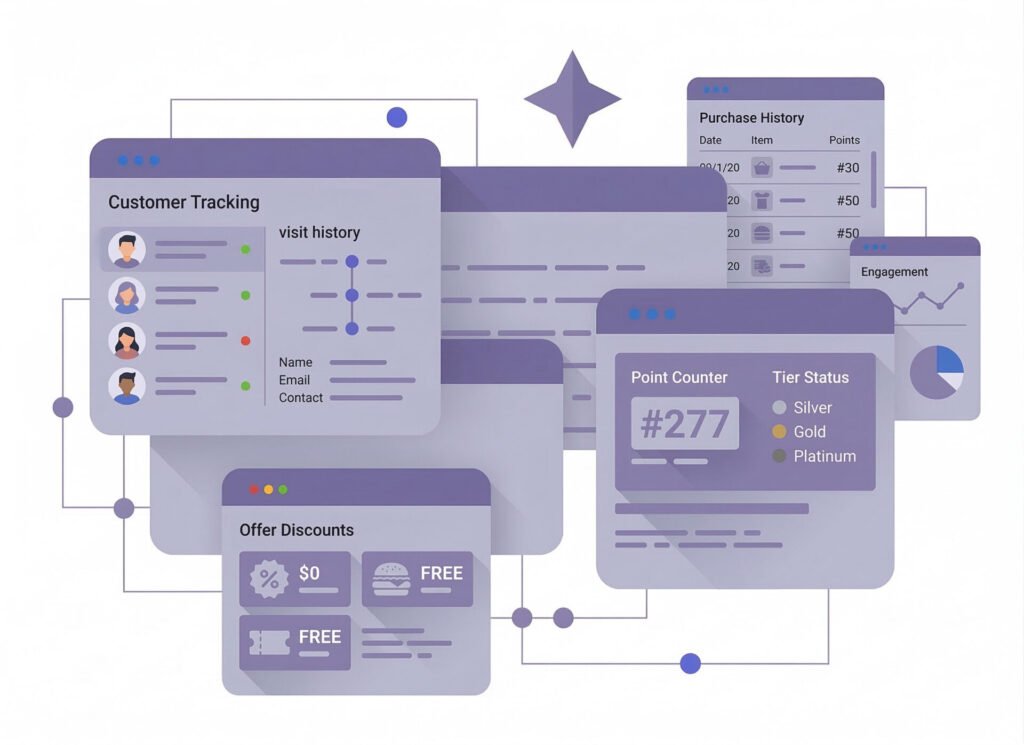
Customer &
Loyalty ManagementCustomer & Loyalty Management in Fast Food POS helps track customers, reward loyalty points, offer discounts, manage purchase history, and improve engagement—boosting repeat visits, stronger relationships, and higher sales for your fast food business.
- Track customer purchase history
- Loyalty points & rewards system
- Easy discount & promotion management
- Increase repeat customers
- Build stronger customer relationships
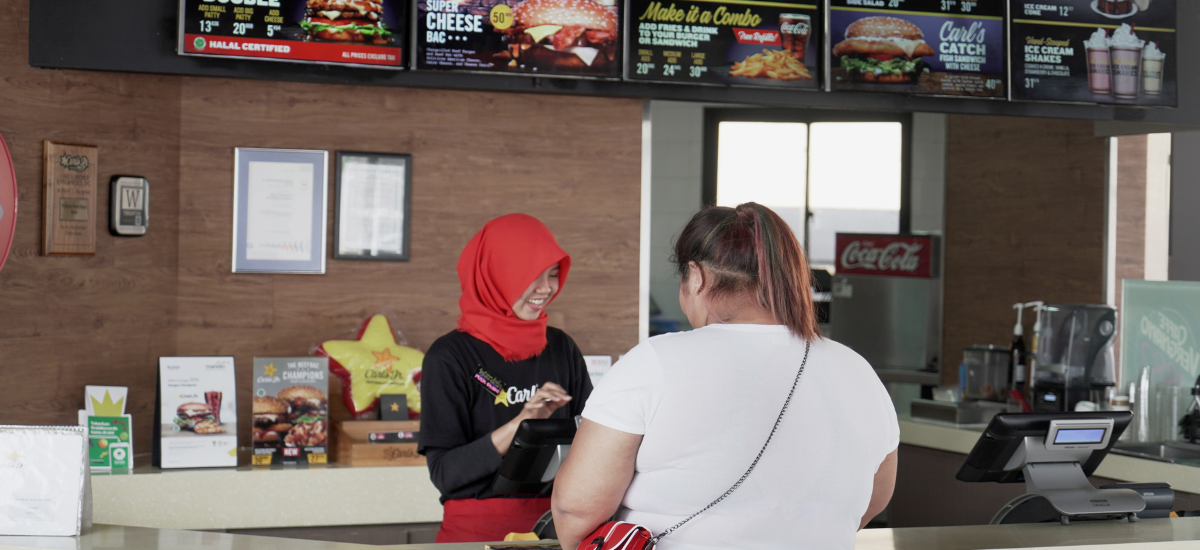
One platform, every module
Fast Food POS Modules Built for the Lunch Rush
From the first buns bought in the morning to the last order at night, these modules tie a fast food counter to its kitchen, stock, crew and books, so every burger sold updates the rest.
-
Buy & make
Purchases and production
-
Stock
Every shelf and warehouse
-
Sell
At the counter and on invoice
-
Get paid
Customers, dues and books
-
Grow
Staff, messages and branches

1 · Buy & make
BackOffice
Buy from your bakery, meat and drinks suppliers and know what you owe.
- Purchases booked as each delivery arrives
- Supplier dues for buns, meat and drinks
- Returns of damaged stock to the supplier
- Roles for crew and managers, with a log

1 · Buy & make
Manufacturing
Recipes that turn buns, patties and sauce into a finished burger.
- A recipe for every burger, wrap and side
- Ingredients drawn from stock as you cook
- House sauces made and stocked in batches
- Low-stock alerts on raw ingredients

2 · Stock
Inventory
Buns, patties, oil and cups counted, so nothing runs out at noon.
- Alert quantities for buns and chicken
- Expired products report for perishables
- Units in kg, liter, packet or piece
- Excel import for the whole menu
2 · Stock
Multi Warehouse
A cold store or store room feeding the counter, with every move recorded.
- Store room and counter stock kept apart
- Moves to the kitchen recorded as transfers
- The shelf each sauce and box sits on
- Outlets confirm what the store sends

3 · Sell
Sales
Quick bills at the till, and a full invoice when a company asks for one.
- Quick counter bills for walk-in orders
- A4 invoices for office lunch orders
- Mushak-6.3 VAT invoice when asked
- Reports on every item sold and returned

3 · Sell
POS (Point of Sale)
A counter mode that rings up burgers, fries and drinks in a few taps.
- Counter mode made for fast food orders
- Only new items sent to the kitchen as a KOT
- Combos and modifiers like extra cheese
- Billing goes on when the internet drops

3 · Sell
Order & Quotation
Bulk orders for offices and parties, from quote to invoice.
- Quotations for office and party orders
- Drafts held until the headcount is final
- Sales orders turned into invoices
- Delivery orders apart from the counter

3 · Sell
Services
Job cards and warranty checks for any service you sell besides food.
- Job cards that end in an invoice
- Warranty looked up by serial or invoice
- Claims sent to the supplier as RMA
- Serial and IMEI numbers kept per unit

4 · Get paid
Accounting
Daily takings, rent and supplier bills in one set of books.
- Cash and bank accounts for the till
- Gas, rent and wages booked as expenses
- Profit and loss and cash flow reports
- Mushak VAT registers for food sales

4 · Get paid
CRM
Regulars who come back for the same meal, with points to reward them.
- Purchase history for every regular
- Reward points on each meal
- Coupons and gift vouchers at the till
- New deals sent by SMS and email

5 · Grow
Multi business / Multi Branch
A second outlet runs on the same menu and the same account.
- Every outlet under one account
- Own stock and crew for each outlet
- Transfers of patties and buns between outlets
- Sales by outlet and for the whole chain

5 · Grow
Communication
SMS and email to customers, and notices to the crew, from one place.
- Deal alerts by SMS, by hand or automatic
- Your own gateway and sender ID
- Email for office and bulk customers
- Notice board for menu and shift changes

5 · Grow
HRM
Rosters, attendance and pay for a crew that works in shifts.
- Morning, lunch and night shifts set up
- Attendance marked for every crew member
- Time off requested and signed off
- Payroll worked out from days on duty
Fast Food Store Getting started 5 steps
How GPOS
works in your
fast food store
Running a fast food store on GPOS takes five steps. Combo meals, modifiers and price changes are managed in one menu, which makes ordering faster and more accurate.
-
Add staff and shifts
Add each team member as a user with the right role, then set up shifts and record attendance from the same system.
-
Build your combo menu
Organise your menu, create combo meals and modifiers such as extra cheese, update prices quickly, and mark items unavailable when they run out.
-
Handle the rush hour
Take orders with quick item selection on a touch screen and check out instantly, so you serve more customers during peak hours with fewer billing errors.
-
Reward repeat customers
Record each customer's purchase history, award loyalty points, and run discounts and promotions that keep them coming back.
-
Check sales from anywhere
Follow sales, stock levels and performance in real time from any device, so you can make decisions even when you are away from the store.
Customer stories
Feedback From Real Customers
Shop owners on what changed after their billing, stock and accounts moved to GPOS.
This POS software has made our daily sales process much faster and more organized. The interface is simple and very easy to use.
Great customer support and customizable features. This POS solution perfectly fits our business needs
GPOS System has transformed our salon and spa operations. Billing, accounting, and inventory management are now faster, more accurate, and easier to track. It saves us valuable time every day and helps us serve customers better
We use GPOS System to manage billing, accounting, and inventory for our electronics store. It is fast, reliable, and easy to use. The real-time reports and stock management features have improved our efficiency, reduced errors in our everyday business operations
Using GPOS System for our Engine Oil distribution business has transformed operations. Billing, inventory, and accounting are now faster, accurate, and well-organized. Real-time stock tracking and detailed reports help us make better business decisions every day
I use GPOS System for my computer hardware business to manage billing, inventory, and accounting. It is reliable, easy to use, saves time, improves accuracy, and helps me efficiently manage daily business operations and stock control in single software
We use GPOS System in our supershop to manage billing, accounting, and inventory. It’s fast, reliable, and easy to use. The system has improved our efficiency and helped streamline daily operations significantly
We use GPOS System in our IT Shop every day. It’s fast, reliable, and easy to use. Inventory, sales, and billing are now fully organized, helping us save time and improve customer service. I highly recommend it for any IT shop
We've been using GPOS System at Adnan Drug House, and it has significantly improved our daily operations. Inventory tracking, billing, and reporting are now faster and more accurate. Highly recommended
GPOS makes billing, inventory, and sales management easy. Manage products, clients, and reports in one for trading businesses. Highly recommended for trading business that wants to manage effortlessly!
GPOS System has been a great solution for our bike shop. It makes billing, inventory management, and sales tracking simple and efficient. Managing spare parts, customers, and reports is now much easier
GPOS System has been an excellent solution for our toy shop. It simplifies billing, inventory management, and sales tracking, making daily operations much more efficient. Managing products, customers, and reports is now easy
GPOS System has been a game-changer for our pharmacy. It makes billing, inventory control, and sales management fast and accurate. Managing medicines, stock levels, customers, and reports is now much easier
Safa Departmental Store has greatly benefited from using GPOS System. It has simplified billing, inventory management, and sales tracking, making daily operations faster and more efficient
GPOS System has been an excellent solution for our sanitary products business. It simplifies billing, inventory management, and sales tracking, helping us manage stock accurately and serve customers efficiently. The system is fast, reliable, and easy to use
GPOS System has been a valuable asset for our trading business. It makes billing, inventory management, and sales tracking simple and efficient. Managing products, customers, suppliers, and reports is now much easier
GPOS System has transformed the way we manage our fashion store. From billing and inventory tracking to customer management and sales reporting, everything is now organized and efficient. The system is fast, easy to use, and helps us stay on top of stock and trends
GPOS System has been a great addition to our organic products shop. It makes billing, inventory management, and sales tracking simple and efficient. Managing products, customers, and reports is now much easier, helping us save time and improve accuracy
Before you switch
FREQUENTLY
ASKED
QUESTIONS (FAQ)
Everything owners ask before moving their shop to GPOS. If your question is not here, our team is a message away.
Expert team, 24/7
With dedicated 24/7 support, GPOS goes beyond being just a platform. We are your partner, from setup and data import to training your staff.
- Support
- 24/7, dedicated
- Setup
- Same day, nothing complicated
- Trial
- Free, before you buy
What is a Fast Food POS System?
Fast Food POS System is a specialized software designed for quick-service restaurants, food trucks, and takeaways. It streamlines order processing, payments, inventory management, and reporting, ensuring a fast and efficient workflow.
How does this POS system improve order speed?
GPOS Fast Food POS System is a specialized software designed for quick-service restaurants, food trucks, and takeaways. It streamlines order processing, payments, inventory management, and reporting, ensuring a fast and efficient workflow.
Does it support weight-based pricing?
Our POS system features a user-friendly interface, quick-touch menu options, and integrated payment processing to minimize wait times and maximize efficiency during peak hours.
Can I track inventory for perishable goods?
Yes, the POS system helps track inventory, including perishable items, and can send low-stock alerts to ensure you never run out of critical ingredients
Is the system cloud-based?
Yes, bakery GPOS systems are cloud-based, meaning you can access your data from any device with an internet connection, offering flexibility and real-time updates.
