POS vs Manual Billing: Which One is Better?

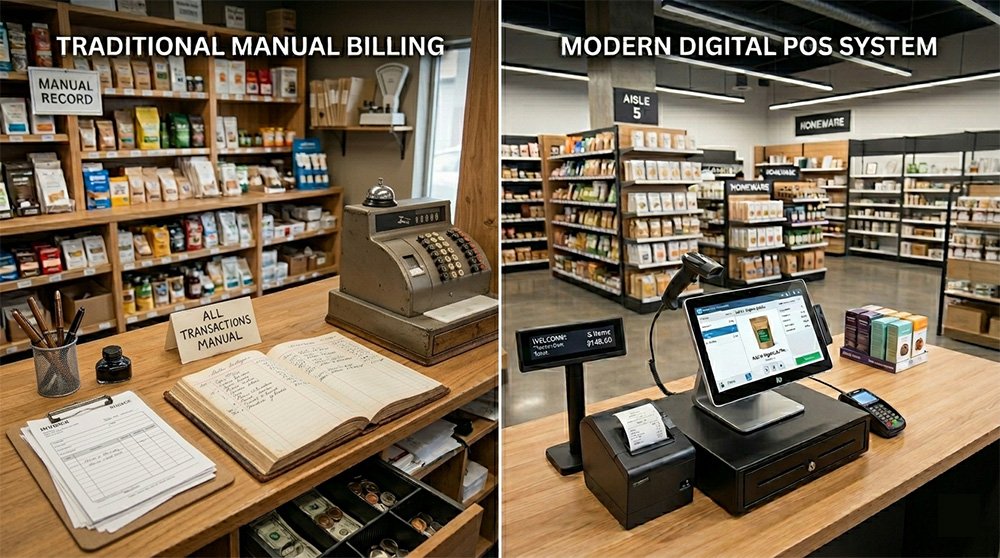
Running a retail business efficiently requires speed, accuracy, and proper management. Yet many small businesses still rely on notebooks, calculators, or Excel sheets for daily billing. While manual billing may seem simple at first, it often creates problems as the business grows.
This is where modern POS (Point of Sale) software becomes a game-changer.
In this blog, we’ll compare POS vs manual billing, explore their advantages and disadvantages, and help you decide which system is better for your business.
What is Manual Billing?
Manual billing is the traditional way of managing sales using:
- Paper invoices
- Calculators
- Handwritten records
- Excel spreadsheets
Many small businesses use manual billing because it requires little or no technology investment.
However, as operations grow, manual systems become difficult to manage.
What is a POS System?
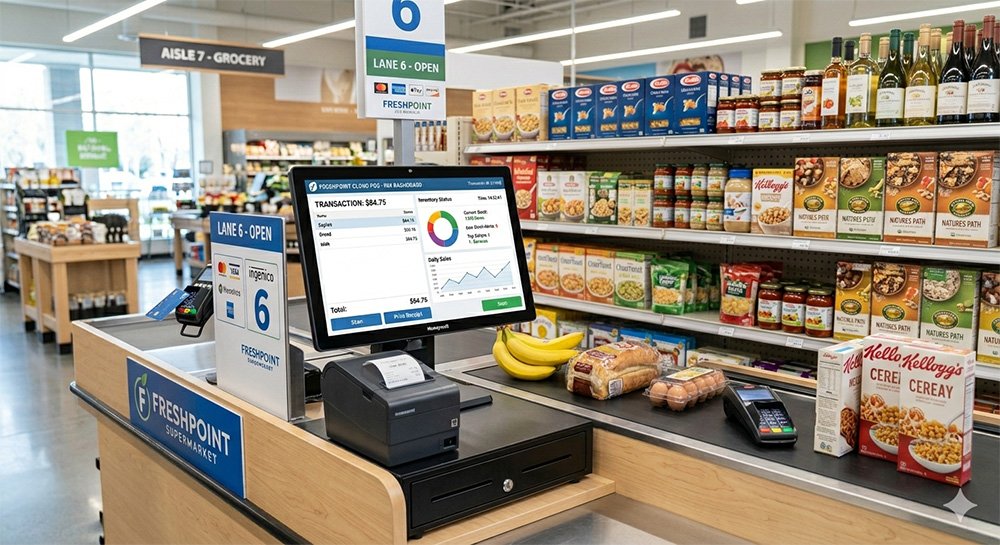
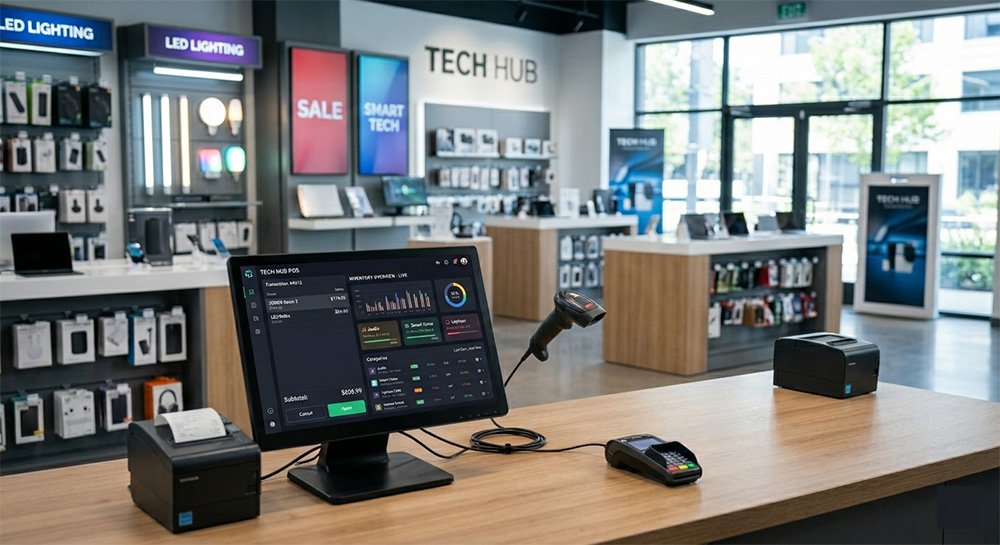
A POS (Point of Sale) system is a digital billing and business management solution that automates:
- Sales processing
- Inventory tracking
- Reporting
- Customer management
- Accounting
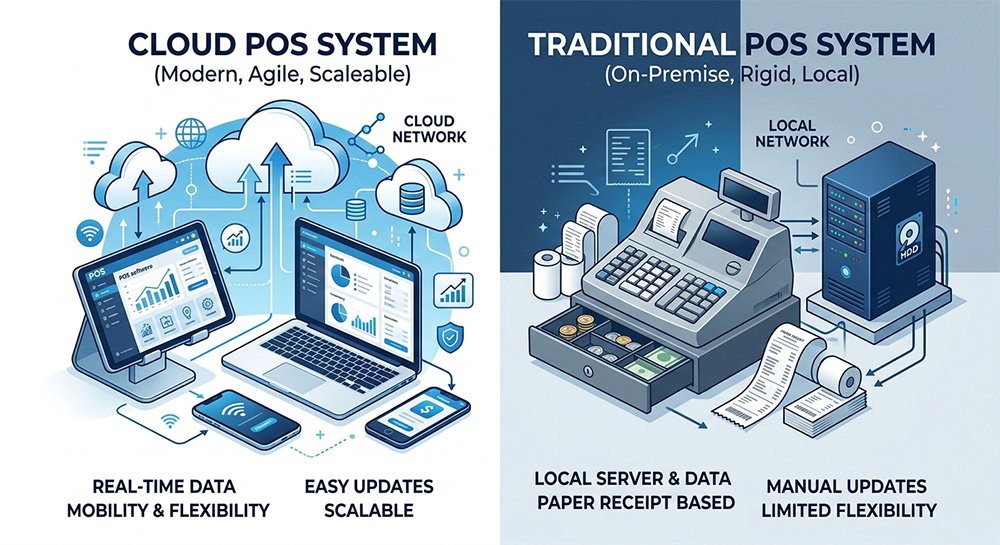
Modern cloud-based POS systems help businesses operate faster and more accurately.
👉 Related Read: What is POS Software? Complete Beginner Guide
POS vs Manual Billing: Key Differences
| Feature | POS System | Manual Billing |
|---|---|---|
| Billing Speed | Fast & automated | Slow |
| Accuracy | High | Error-prone |
| Inventory Tracking | Automatic | Manual |
| Reporting | Real-time | Difficult |
| Customer Management | Available | Limited |
| Multi-Store Support | Yes | Difficult |
| Data Security | Cloud backup | Risk of loss |
| Scalability | Easy to expand | Hard to manage |
1. Speed and Efficiency
One of the biggest advantages of a POS system is speed.
With barcode scanning and automated calculations, POS software can generate invoices within seconds.
Manual billing, on the other hand:
- Takes more time
- Requires manual calculations
- Creates longer customer queues
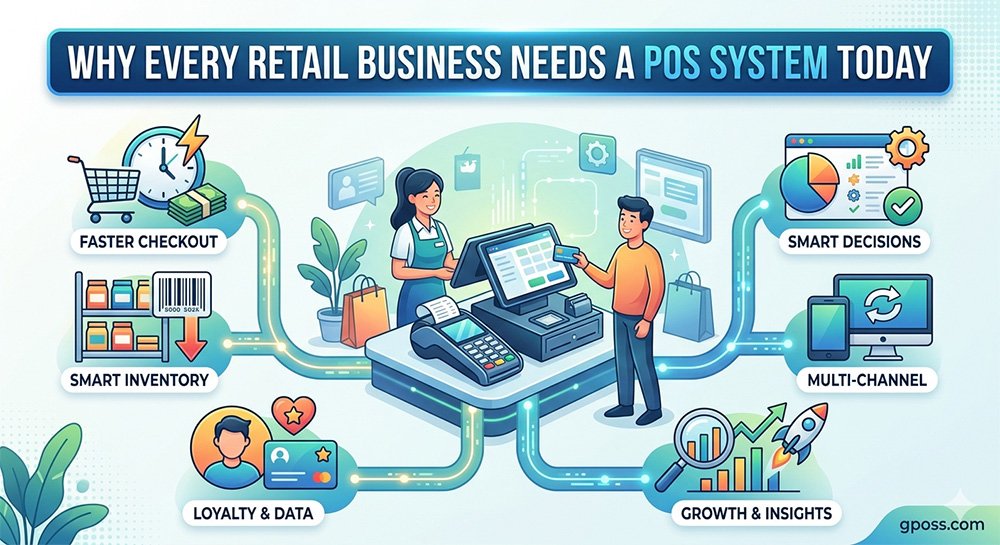
👉 Faster checkout improves customer satisfaction and increases sales opportunities.
2. Accuracy and Error Reduction
Manual billing often leads to:
- Wrong totals
- Pricing mistakes
- Missing records
Even small errors can create major financial losses over time.
POS systems automate calculations and reduce human mistakes significantly.
👉 Related Read: How POS Software Reduces Business Loss and Errors
3. Inventory Management
Inventory management is almost impossible to maintain accurately with manual systems.
Businesses using notebooks or spreadsheets often struggle with:
- Stock shortages
- Overstocking
- Missing items
A POS system updates inventory automatically after every sale.
Benefits include:
- Real-time stock tracking
- Low-stock alerts
- Product performance analysis
👉 Learn More: Inventory Management System: Why It Matters for Retail
4. Reporting and Business Insights
Manual billing makes reporting difficult because all calculations must be done manually.
POS systems generate instant reports such as:
- Daily sales reports
- Profit and loss reports
- Best-selling products
- Employee performance reports
These insights help business owners make smarter decisions.
5. Customer Experience
Modern customers expect fast and professional service.
POS systems improve customer experience through:
- Faster billing
- Digital invoices
- Multiple payment options
- Loyalty programs
Manual systems cannot offer the same level of convenience.
6. Business Growth and Scalability
Manual billing may work for a very small shop, but it becomes difficult as the business expands.
A POS system allows businesses to:
- Add more products
- Open new branches
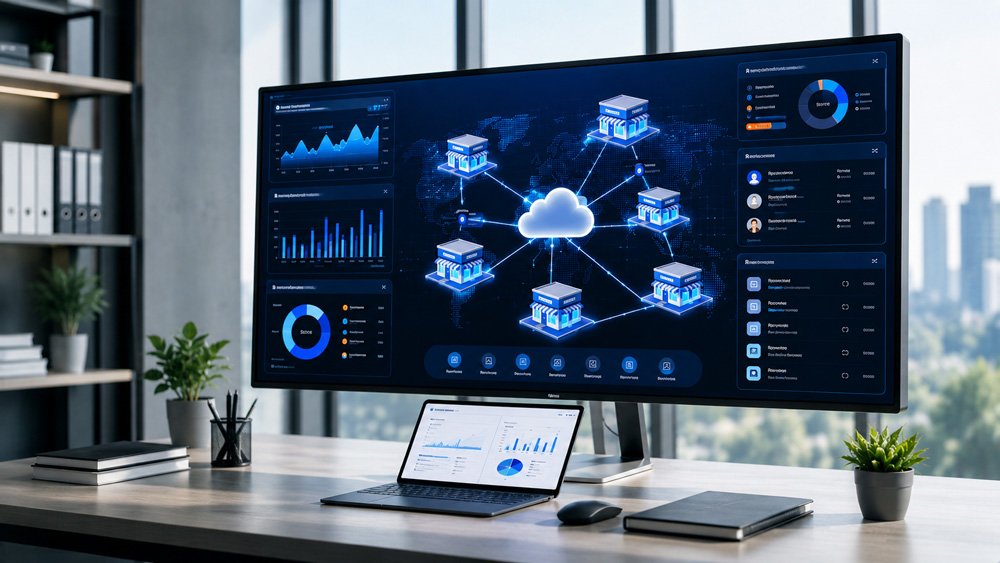
- Manage multiple stores from one dashboard
👉 Related Read: Multi-Store POS System: Manage All Branches Easily
7. Data Security and Backup
Manual records can be:
- Lost
- Damaged
- Misplaced
Cloud POS systems provide:
- Automatic backups
- Secure storage
- Remote access
This ensures your business data remains safe at all times.
8. Cost Comparison
Many business owners think manual billing is cheaper.
Initially, manual systems may cost less because they require no software subscription.
However, manual billing creates hidden costs:
- Employee inefficiency
- Billing mistakes
- Inventory losses
- Time wastage
POS systems help reduce these losses and improve profitability over time.
Which One is Better?
Manual Billing is Suitable If:
- You operate a very small shop
- You have limited daily sales
- You do not need detailed reporting
POS Software is Better If:
- You want to grow your business
- You need accurate inventory tracking
- You want faster billing
- You operate multiple branches
- You want real-time business insights
For most modern retail businesses, a POS system is the smarter long-term solution.
Final Verdict
When comparing POS vs manual billing, the advantages of POS software clearly outweigh traditional methods.
A POS system helps businesses:
- Save time
- Reduce errors
- Improve customer experience
- Manage inventory efficiently
- Grow faster
In today’s competitive retail market, relying only on manual billing can slow down your business growth.
👉 The real question is not whether you need a POS system.
👉 It’s which POS system is best for your business?
Technology is changing the retail industry rapidly. Businesses that adopt smart tools like POS software gain a major competitive advantage.
If you want to improve efficiency, increase profitability, and manage your business professionally, switching from manual billing to a modern POS system is the right move.