
We worked with the world’s biggest brands


Restaurant POS
Restaurant POS System for Your Kitchen, Tables and Till
For restaurants, cafes, bakeries, food courts and quick service chains, GPOS is restaurant POS and management software in one. Take dine-in, takeaway and delivery orders, split or merge bills, and keep tables, orders and kitchen tickets working when the internet drops. In Bangladesh it also prints Mushak-6.3 VAT invoices.
- Keeps selling offline
- Bangla or English
- Mushak-6.3 VAT invoices
- Any web browser
We worked with the world’s biggest brands
-
200+
Businesses served
-
9+
Restaurant formats supported
-
4.9 out of 5
Rating 374 verified reviews
-
24/7
Support

Industries
We Proudly Serve with Excellence

Restaurant Definition
What is restaurant POS software?
Restaurant POS software is the system a restaurant takes orders and payments on: it sends each order to the kitchen, keeps tables and bills in step, and tracks what is sold and what is left in the store room.
GPOS Restaurant POS handles dine-in, takeaway and delivery, prints KOTs on 80mm or 58mm printers or shows them on a kitchen screen, and keeps working when the internet drops.
-
Orders straight to the kitchen
A KOT prints at the right station, or shows on the kitchen screen, as soon as the order is placed.
-
Split, move or merge
Split a table's bill between guests, move an order to another table, or merge two tables into one bill.
-
Mushak-6.3 VAT invoices
In Bangladesh every bill can print as a Mushak-6.3 VAT invoice, with VAT worked out on each order.
-
Want to see it with your own menu?
Talk to an expert
Restaurant 6 features
Restaurant tools from
food cart to fine dining
Whatever format you run, from a coffee shop to a franchise, these tools work behind the menu, kitchen and tables: one waste routine, a profile for each brand, store-room counts, VAT on every bill, rights by department and limited-time dishes.
-
One waste routine for every outlet
Record spoiled or returned food at the point of sale, item by item, so every outlet follows the same routine and you can see which items are thrown away most often.
-
Separate profiles for each restaurant brand
Run a café, a bakery and a franchise outlet from one GPOS account, each with its own profile and BackOffice, while you still oversee the whole group in one place.
-
Store-room counts with a wireless scanner
Walk the store room with a wireless barcode scanner to count ingredients and packaged stock, then adjust the figures in GPOS instead of copying them from a notepad. We supply the scanners too.
-
VAT worked out on every bill
GPOS calculates VAT and tax on each bill automatically, whether the order was taken at a table, at the counter or on a second terminal, so cashiers never add it by hand.
-
Staff rights by department
Add each user, place them in a department and decide what they may open, so a cashier, a waiter and a store keeper each see only the screens their work needs.
-
Limited-time dishes on a picture menu
Feature a seasonal dish or a limited-time offer on your digital menu with its photo and description, then take it down when the offer ends.
Features of restaurant POS We offer
Discover our restaurant POS system, offering seamless order management, inventory tracking, payment integration, and detailed reporting to streamline operations and enhance customer satisfaction.
-
Quick billing
- Multi-Terminal Support
- Multiple Payment Options
- Receipts on Demand
- Barcode Scanning and Fast Checkout Process
-
Recipe Management
- Ingredient Tracking
- Stock Integration
- Portion Control
- Real-Time Updates
-
Digital Menu
- Images and Descriptions
- Customizable Menus
- Order Customization
- Promotions (Highlight limited-time offers)
-
Table Management
- Table Reservation Real-Time
- Table Availability
- Waitlist Management
- Capture orders directly at tables, reducing wait times
-
KOT management with KDS
- Real-Time KOT Creation
- Instant Display on KDS
- Order Prioritization
- Order Completion Confirmation
-
Waste Management
- Record and monitor waste at the point of sale
- Item-Level Waste Tracking
- Standardized Waste Processes
- Digital Signage for Waste
-
Manage Privileges
- Access User Management
- Add a new user
- Define access rights
- Assign a user to a department
-
24/7 support
Contact our team


One platform, every module
Every Module Behind Your Restaurant POS System
From the store room to the last bill of the night, these modules connect your tables, kitchen, stock and books, for one cafe or a group of outlets and brands under one account.
-
Buy & make
Purchases and production
-
Stock
Every shelf and warehouse
-
Sell
At the counter and on invoice
-
Get paid
Customers, dues and books
-
Grow
Staff, messages and branches

1 · Buy & make
BackOffice
Buy from suppliers and always know what each one is owed.
- Purchase orders for meat, fish and vegetables
- Supplier ledgers with what is still due
- Returns of short-dated or damaged goods
- Roles, users and an activity log

1 · Buy & make
Manufacturing
Recipes that turn raw ingredients into dishes and prep.
- A recipe with set portions for each dish
- Ingredients drawn from stock for each batch
- Sauces and gravies made ahead as stock
- Alerts when a raw ingredient runs low

2 · Stock
Inventory
Ingredients and packaged stock counted in every store room.
- Ingredients in kg, litre or by the piece
- Spoiled food recorded item by item
- Store-room counts with a wireless scanner
- Alert quantities before rice or oil runs out
2 · Stock
Multi Warehouse
A central store room and the stock it sends to each kitchen.
- Central store stock beside outlet stock
- Transfers from the store room to kitchens
- The shelf that holds every dry good
- Outlets confirm what they receive

3 · Sell
Sales
Every order billed, whether it is eaten in, taken away or delivered.
- Dine-in, takeaway and delivery bills
- Mushak-6.3 VAT invoices from the POS
- A4 invoices for corporate lunch orders
- Reports of what each outlet sold

3 · Sell
POS (Point of Sale)
Tables, takeaway and delivery on one restaurant screen.
- Live tables marked free, running or food-ready
- KOT sends only the new items to the kitchen
- Split, move or merge orders and bills
- Keeps taking orders when the internet drops

3 · Sell
Order & Quotation
Party menus quoted, confirmed and billed on the day.
- Quotations for birthday and office parties
- Advance payments held against the booking
- Drafts kept until the menu is final
- Orders invoiced as the food goes out

3 · Sell
Services
Catering and event work handled from job card to invoice.
- Job cards for outdoor catering jobs
- Each job invoiced when the work is done
- Serial tracking for equipment you sell
- Warranty claims and supplier RMA

4 · Get paid
Accounting
Cash, bank and every kitchen expense in one set of books.
- Double-entry books with every ledger
- Gas, rent and market bills as expenses
- Profit and loss, trial balance and cash flow
- Mushak VAT registers and return worksheet

4 · Get paid
CRM
Regular guests, their orders and their rewards in one profile.
- Past orders for every regular guest
- Member cards with tiers and points
- Coupons and gift vouchers for diners
- Offers sent to guests by SMS and email

5 · Grow
Multi business / Multi Branch
Every outlet and every food brand under one account.
- A cafe, a bakery and a franchise, one account
- Each brand with its own profile and BackOffice
- Stock moved from outlet to outlet
- Combined reports for the whole group

5 · Grow
Communication
SMS and email to guests, and notices to your staff.
- Offer SMS sent by hand or automatically
- Messages from your restaurant's own sender ID
- Email to corporate and event customers
- A notice board for floor and kitchen

5 · Grow
HRM
Waiters, cooks and cashiers, their shifts and their pay.
- Staff records for every outlet
- Lunch and dinner shifts with attendance
- Leave requests sent for approval
- Payroll worked out from attendance
Hardware and what it connects to
GPOS runs in a browser on the computer, tablet or phone you already own, and connects the front of house to the kitchen. We also supply the hardware itself.
Printers
- Thermal receipt printers
- Thermal printers for KOTs in the kitchen
- Xprinter, Rongta and G-Printer models
Barcode scanners
- Barcode scanning for fast checkout
- Wireless scanners for store-room counts
- Zebra, Honeywell and Sunlux models
Counter hardware
- POS terminals and touchscreens
- Kitchen display (KDS) screens
- Cash drawers
Works with
- KOT and kitchen display
- Table and reservation management
- Cash, card and integrated online payment
- Automatic VAT and tax
Restaurant Side by side
GPOS vs pen and paper
or a generic POS
Many restaurants still run on an order pad, and a basic POS stops at the bill. Here is what changes from the table to the kitchen.
| What a restaurant needs | Pen and paper | Generic POS | GPOS Restaurant POS |
|---|---|---|---|
| Taking orders | Written on an order pad | Entered at the counter | Captured at the table and sent to the kitchen straight away |
| Kitchen tickets | Carried to the kitchen by hand | Varies by product | KOTs appear on the kitchen display at once, prioritised and marked done |
| Tables | Watched by the floor staff | Varies by product | Live table availability, reservations and a waitlist |
| The menu | Reprinted for every change | An item list with prices | A digital menu with images, options and limited-time offers |
| Ingredients | Counted at closing | Varies by product | Each dish linked to a recipe, ingredients deducted as you sell |
| Waste | Rarely recorded | Varies by product | Item-level waste logged at the point of sale |
| Billing | Totals added by hand | Bills printed at the counter | Multi-terminal billing with cash, card or online payment |
| Staff access | Not practical | Varies by product | Access rights for each user and department |
Restaurant Getting started 5 steps
How GPOS
works in your
restaurant
From the menu to the kitchen to the till, setting a restaurant up on GPOS takes five steps. Orders taken at the table reach the kitchen screen straight away.
-
Set up your restaurant
Create your outlets and tables, add staff with role-based access, and set your tax, currency and receipt options.
-
Build your menu
Add menu items with images, prices and options, and link each dish to a recipe so ingredients are deducted as you sell.
-
Stock your store room
Record suppliers and ingredients, receive deliveries, and log waste so you know what each dish really costs.
-
Take orders and bill
Take orders at the table or the counter. KOTs go straight to the kitchen display, and the bill takes cash, card or online payment.
-
Track and grow
Sales, stock and waste update in real time across every outlet, so the reports you act on reflect tonight's service.
Our Happy Clients Operate their Businesses with Smart Restaurant Management Software Smoothly





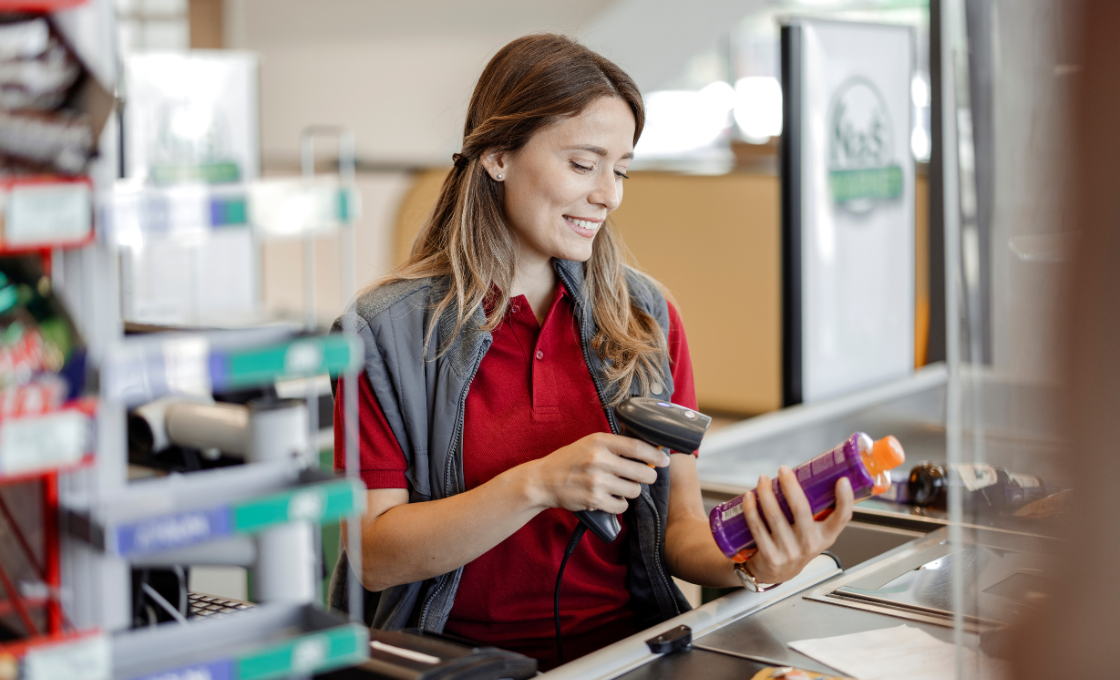
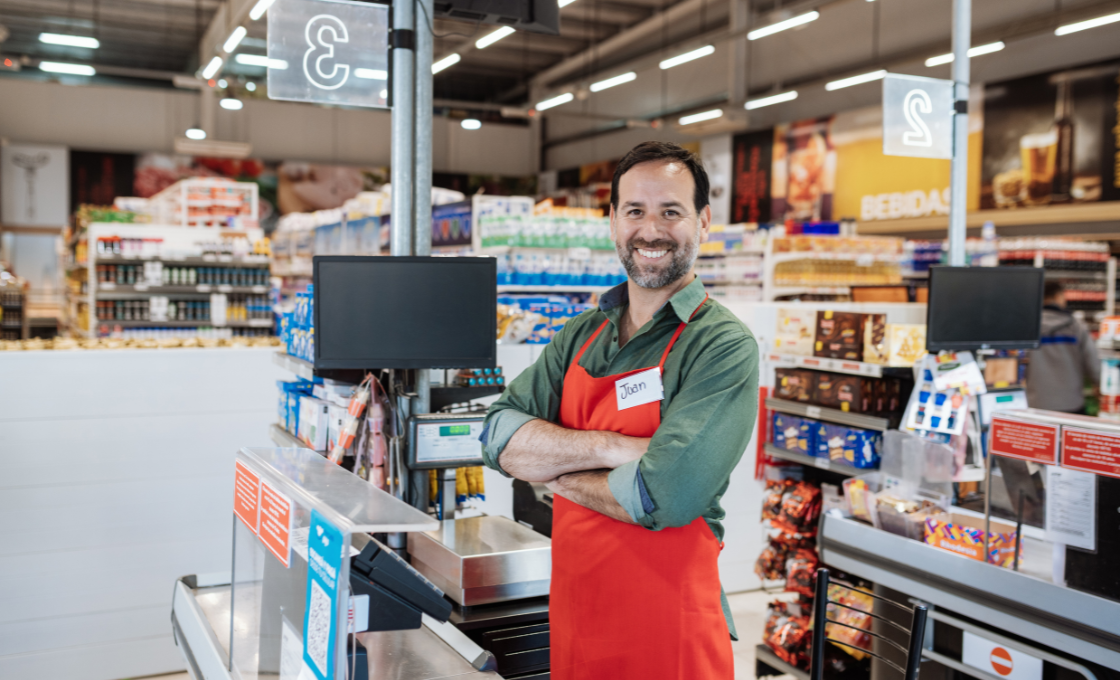
Customer stories
Feedback From Real Customers
Shop owners on what changed after their billing, stock and accounts moved to GPOS.
GPOS makes booking, billing, and staff management easy. It helps track sales, customer history, and appointments in one system. Fast, simple, and perfect for any salon or spa business. Highly recommended!
GPOS makes billing, inventory, and sales management easy. It helps track stock, customer purchases, and daily reports in one system. Fast, simple, and perfect for any grocery store business. Highly recommended!
GPOS makes stock, billing, and sales easy. Track inventory, purchases, and reports in one system. Fast, simple, and perfect for lubricant businesses. Highly recommended!
GPOS makes billing, inventory, and sales easy. Manage products, clients, and reports in one system. Fast, simple, and perfect for IT businesses. Highly recommended!
GPOS makes billing, inventory, and sales easy. Manage products, customers, and reports in one system. Fast, simple, and perfect for lifestyle stores. Highly recommended!
GPOS makes billing, inventory, and sales easy. Manage products, stock, and reports in one system. Fast, simple, and perfect for any supershop business. Highly recommended!
GPOS makes billing, stock, and sales easy. Track medicines, manage inventory, and view reports in one system. Fast, simple, and perfect for any pharmacy business. Highly recommended!
GPOS makes billing, inventory, and sales easy. Manage stock, orders, and reports in one system. Fast, simple, and perfect for distribution businesses. Highly recommended!

Restaurant
software expert
are ready to help your business.
Our Restaurant business experts are ready to assist you with tailored solutions, industry insights, and proven strategies to help you streamline operations, boost efficiency, and achieve long-term success.
Expert help 24/7
Enjoy dedicated and fast 24/7 support from retail specialists who know your business.
Quick Start Guide
We provide all essential information for getting started, including setup instructions and key documentation to ensure a smooth and efficient system setup.
Demo
Demo provides a free, risk-free way to explore a POS system without requiring a credit card. It allows you to test features, functionality, and ease of use before making a commitment.
Before you switch
FREQUENTLY
ASKED
QUESTIONS (FAQ)
Everything owners ask before moving their shop to GPOS. If your question is not here, our team is a message away.
Expert team, 24/7
With dedicated 24/7 support, GPOS goes beyond being just a platform. We are your partner, from setup and data import to training your staff.
- Support
- 24/7, dedicated
- Setup
- Same day, nothing complicated
- Trial
- Free, before you buy
What is a Restaurant POS system?
GPOS Restaurant (Point of Sale) system is a combination of hardware and software designed to manage sales, inventory, and operations for restaurants, cafes, and food service businesses. It streamlines order taking, payment processing, and kitchen communication.
Is a Restaurant POS system cloud-based or on-premise?
GPOS Restaurant management systems are cloud-based, allowing access from anywhere with an internet connection. However, some systems offer on-premise or hybrid solutions for offline operations.
Can it handle multiple locations?
Yes, GPOS Restaurant management systems support multi-location management, enabling centralized control of inventory, menus, and sales reports across all branches.
Does it offer customer loyalty programs?
Yes, GPOS systems include built-in tools for creating loyalty programs, tracking customer preferences, and running promotions to boost repeat business.
What hardware is required for a Restaurant POS system?
Hardware usually includes:
- Touchscreen terminal or tablet
- Receipt printer
- Cash drawer
- Barcode scanner (optional)
- Kitchen display screen (KDS)
Which restaurant POS in Bangladesh has KOT, a kitchen screen and live tables?
GPOS is POS software from Bangladesh with live tables, KOT and a kitchen screen built in for restaurants. Only the new items on an order go to the kitchen, on 80mm or 58mm printers, and the kitchen screen shows each order as New, Cooking, Ready or Served, with a beep for new orders. Bills can be split and orders moved or merged, and tables, orders and KOT keep working without internet, even in the iftar rush.
Restaurant
Switch to GPOS and accelerate your restaurant's success
Order management, kitchen display, tables, inventory and accounting — one connected system.