Best POS Software for Grocery Stores | Complete Buying Guide 2026

Best POS Software for Grocery Stores: Complete Guide for Modern Retailers
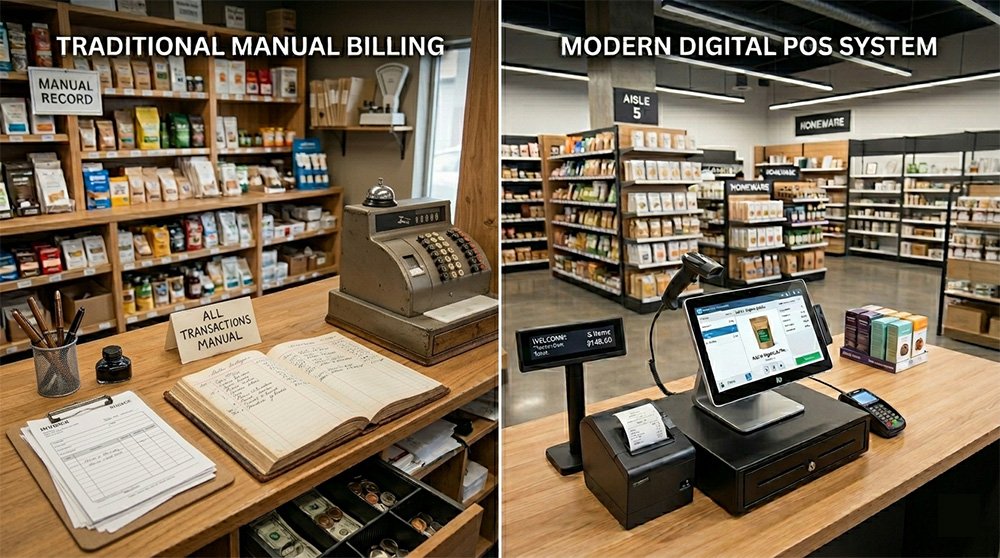
Running a grocery store is more challenging than ever. Store owners must manage thousands of products, track inventory, handle customer transactions, monitor employee performance, and maintain accurate financial records. Manual processes and traditional cash registers can no longer keep up with the demands of modern retail.
This is where a modern Point of Sale (POS) system becomes essential.
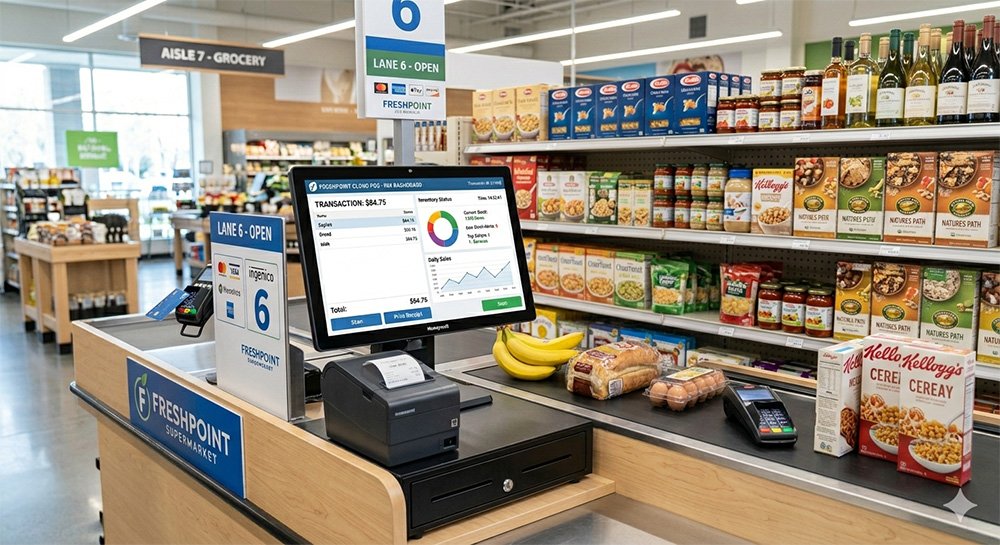
The best POS software for grocery stores does much more than process sales. It helps automate daily operations, improve inventory control, reduce errors, and increase profitability. Whether you own a small neighborhood grocery store or a growing supermarket chain, investing in the right POS software can transform your business.
In this guide, we’ll explore why grocery stores need POS software, the key features to look for, and how to choose the best solution for your business.
Why Grocery Stores Need POS Software
Grocery stores operate in a fast-paced environment where speed and accuracy are critical. Customers expect quick checkout experiences, while business owners need real-time visibility into sales and inventory.
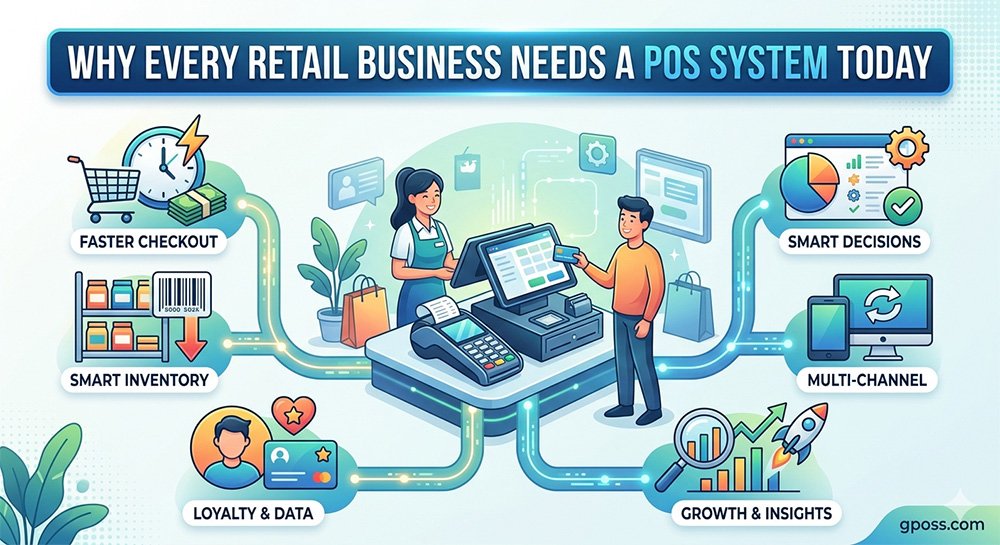
A modern POS system helps grocery retailers:
- Process transactions faster
- Track inventory automatically
- Reduce stock shortages
- Manage supplier purchases
- Monitor employee performance
- Generate detailed sales reports
- Improve customer satisfaction
By automating these tasks, grocery store owners can focus on growing their business instead of handling manual paperwork.
Key Features of the Best Grocery Store POS Software
1. Inventory Management
Inventory management is one of the most important features for grocery businesses.
A quality POS system should allow you to:
- Track stock levels in real time
- Receive low-stock alerts
- Monitor fast-moving products
- Manage product categories
- Track expired items
Effective inventory management helps reduce waste and ensures products are always available when customers need them.
2. Barcode Scanning
Barcode scanning significantly speeds up checkout operations.
Benefits include:
- Faster billing
- Improved accuracy
- Reduced manual entry errors
- Better customer experience
For busy grocery stores, barcode support is essential.
3. Multi-Payment Support
Today’s customers prefer multiple payment options.
Your POS software should support:
- Cash payments
- Credit cards
- Debit cards
- Mobile wallets
- QR code payments
Offering flexible payment options improves customer convenience and increases sales opportunities.
4. Sales Reporting and Analytics
Business growth depends on data-driven decisions.
Advanced POS systems provide reports on:
- Daily sales
- Weekly sales
- Monthly sales
- Product performance
- Profit margins
- Customer trends
These insights help grocery store owners make smarter purchasing and pricing decisions.
5. Customer Management
Building customer loyalty is critical for long-term success.
POS software can store customer information such as:
- Purchase history
- Contact details
- Loyalty points
- Shopping preferences
This enables personalized promotions and loyalty programs that encourage repeat purchases.
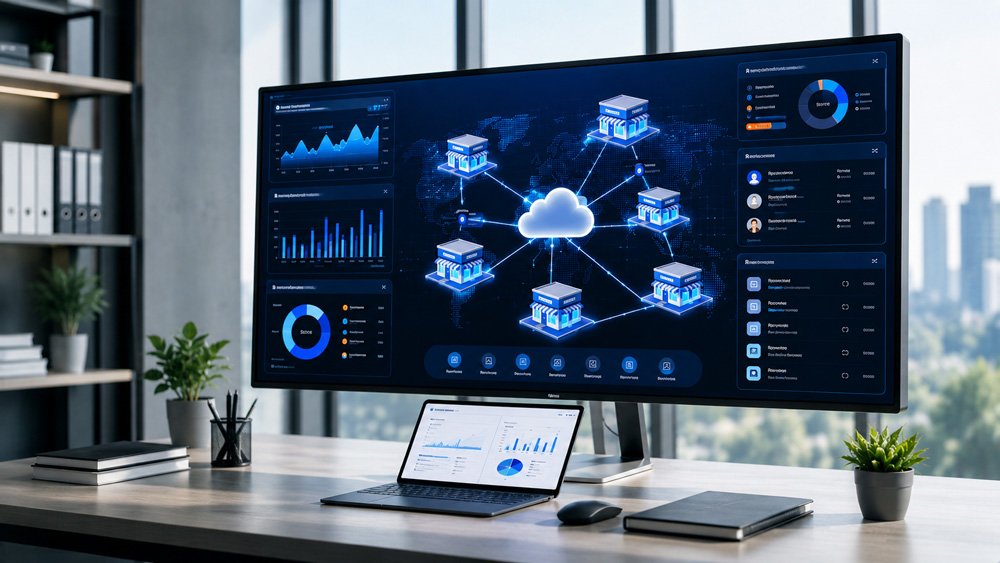
6. Multi-Store Management
For businesses with multiple branches, centralized management is crucial.
A modern POS system should allow you to:
- Monitor all locations from one dashboard
- Compare store performance
- Transfer inventory between stores
- Manage employees across branches
This feature is particularly valuable for growing grocery chains.
Benefits of Using POS Software in Grocery Stores
Increased Efficiency
Automation reduces manual work and allows employees to serve customers more quickly.
Improved Accuracy
Automated calculations eliminate pricing mistakes and inventory discrepancies.
Better Inventory Control
Real-time inventory tracking prevents stockouts and overstocking.
Enhanced Customer Experience
Faster checkouts and personalized promotions improve customer satisfaction.
Higher Profitability
Better reporting and inventory control help identify opportunities to increase revenue and reduce costs.
How to Choose the Best POS Software for Grocery Stores
When evaluating POS solutions, consider the following factors:
Ease of Use
The software should be simple enough for employees to learn quickly.
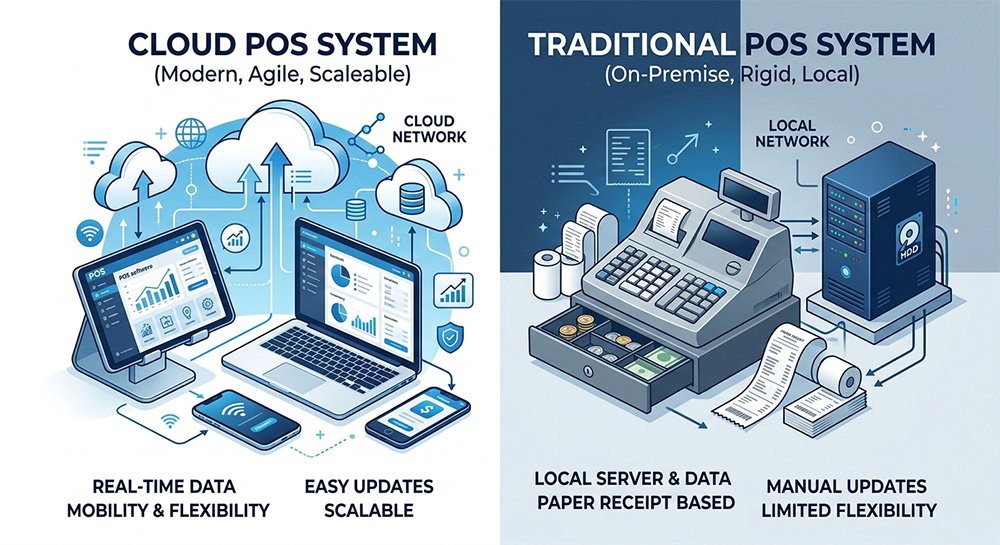
Cloud-Based Access
Cloud POS systems allow you to monitor your business from anywhere.
Scalability
Choose a solution that can grow alongside your business.
Customer Support
Reliable support is essential when technical issues arise.
Integration Capabilities
Look for software that integrates with accounting, inventory, and eCommerce platforms.
Why GPOS is an Excellent Choice for Grocery Stores
GPOS is designed specifically to meet the needs of modern retailers.
With GPOS, grocery store owners can:
- Process sales quickly
- Manage inventory in real time
- Generate detailed reports
- Monitor multiple stores
- Manage customer information
- Track employee performance
- Access data from anywhere
The platform combines POS, inventory management, accounting, and reporting into one easy-to-use solution.
The retail landscape continues to evolve, and grocery store owners need powerful tools to remain competitive.
The best POS software for grocery stores helps streamline operations, improve inventory accuracy, increase customer satisfaction, and drive business growth.
Whether you operate a small grocery shop or a supermarket, investing in a modern POS solution like GPOS can help you save time, reduce costs, and maximize profits.
Ready to modernize your grocery store? Explore GPOS today and discover how a complete retail management system can help your business grow.