Built and supported in Dhaka
POS Software in Bangladesh, from One Counter to Many Branches
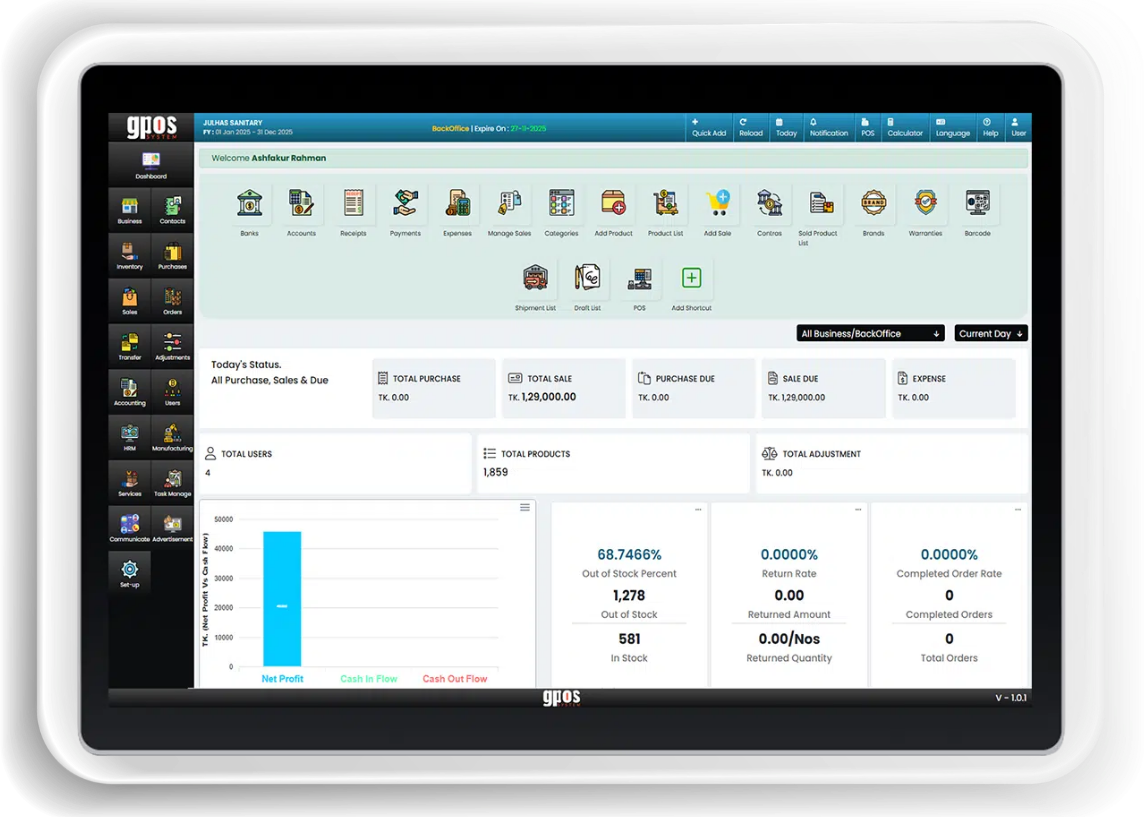
GPOS System is cloud POS, inventory and accounting software from a Bangladeshi company in Dhaka. It works in Bangla or English, is VAT (Mushak) ready, runs every branch from one account and keeps billing when the internet drops, with tools for super shops, pharmacies, restaurants and more.
-
One POS for every kind of business in Bangladesh
A pharmacy searches medicines by generic name, a jewellery shop weighs in vori and ana at the day's rate, and a restaurant sends KOT to the kitchen. GPOS gives each trade its own tools on the same system. Pick yours to see what it covers.
- Retail and fashion shops
- Super shops and supermarkets
- Grocery stores
- Pharmacies and medicine shops
- Electronics, mobile and computer shops
- Jewellery shops
- Restaurants, cafes and fast food
- Beauty salons and spas
- Laundries and dry cleaners
- Tailoring shops
- Wholesalers and distributors
- Businesses that mainly need accounting
6 features
What a business in Bangladesh needs from its POS
Good POS software in Bangladesh has to handle the last week before Eid as calmly as an ordinary Tuesday. It must bill fast, keep the stock count honest, show what each customer owes and work in the language your staff read. The six features below cover that daily work, right up to the courier at the door. After them come three things that matter just as much here: VAT, branches in different cities, and an internet connection that drops at the worst moment.
-
Quick billing at the counter
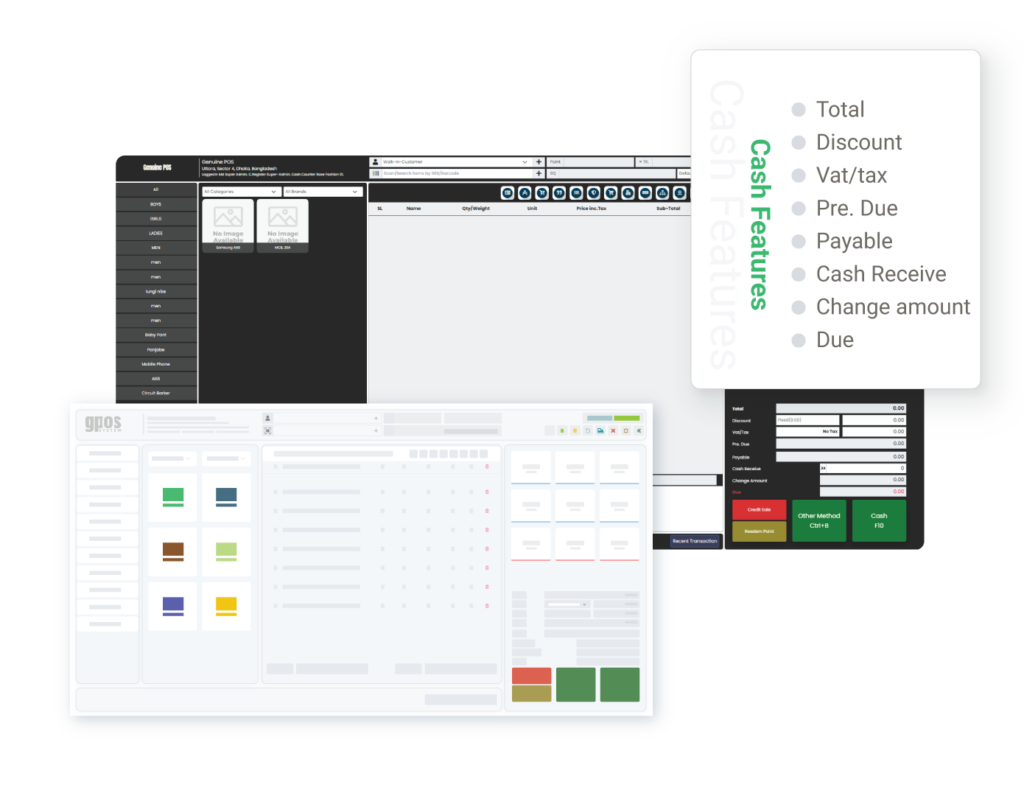
Scan a barcode or QR code, apply a discount and take payment in cash or another method. Returns and refunds go through the POS as well, so the cashier can handle one without leaving the counter.
-
Stock, purchases and suppliers
Low-stock alerts tell you what to reorder before a shelf runs empty. Record purchases and purchase returns against each supplier, see what you owe in the supplier ledger, and print barcode labels for goods that arrive without one.
-
Customer dues and loyalty
Every customer has a ledger that shows what they owe, so credit sales no longer live in a notebook. Reward regulars with loyalty points, and tell them about your Pohela Boishakh offer by SMS or email.
-
Bangla or English, your choice
Use the whole software in Bangla or in English, whichever your team knows better. Every screen, from the counter to the back office, works in the language you pick.
-
Logins, permissions and an activity log
Give every person a login with a role and detailed permissions, such as admin, manager or cashier. An activity log records every action, and backups are encrypted.
-
Courier delivery and online sales
The Courier Delivery module sends a sale to Steadfast, Pathao, RedX, Paperfly or eCourier and lets you follow each parcel. With a WooCommerce online store connected, your website sells from the same stock as the shop.
-
Itemized bills, with VAT (Mushak) documents ready to print
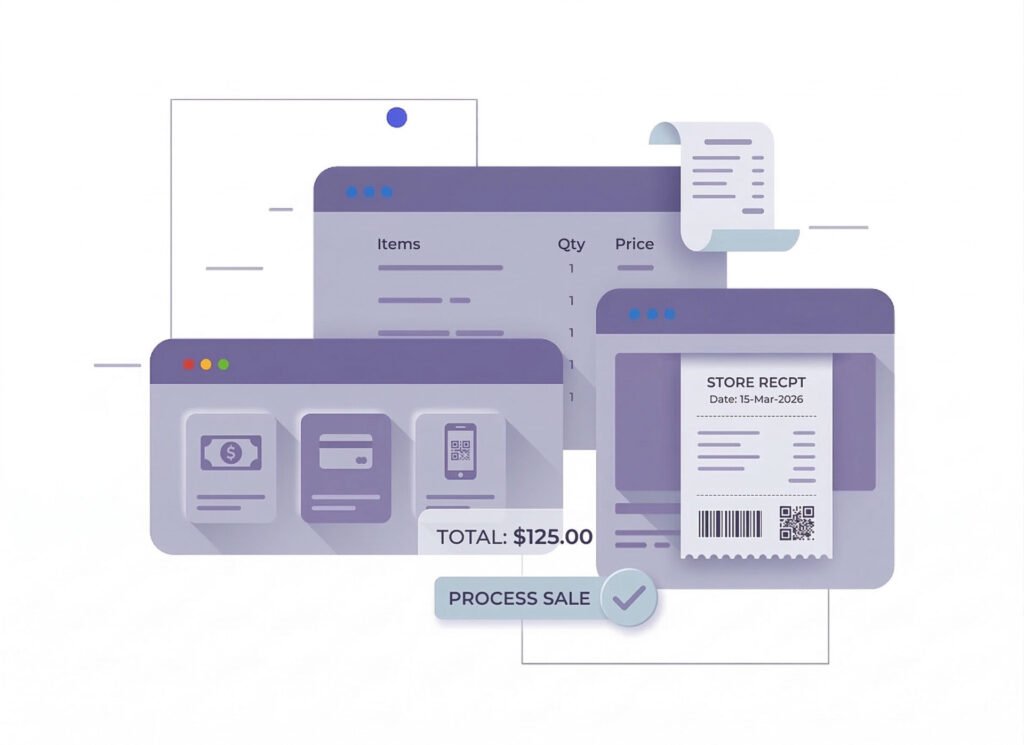
The cashier scans the items, GPOS applies the VAT rate set on each product, and the customer leaves with an itemized bill and a printed receipt. For Bangladesh, GPOS is VAT (Mushak) ready and prints Mushak-6.3 invoices, VAT registers and the return worksheet. Purchases can carry purchase tax, customer and supplier records hold their VAT numbers, and VAT reports give your accountant the figures.
- Mushak-6.3 invoices, ready to print
- A VAT rate set on each product
- VAT registers, return worksheet and VAT reports
- VAT numbers on customer and supplier records
-
Branches in Dhaka, Chattogram and Sylhet on one account
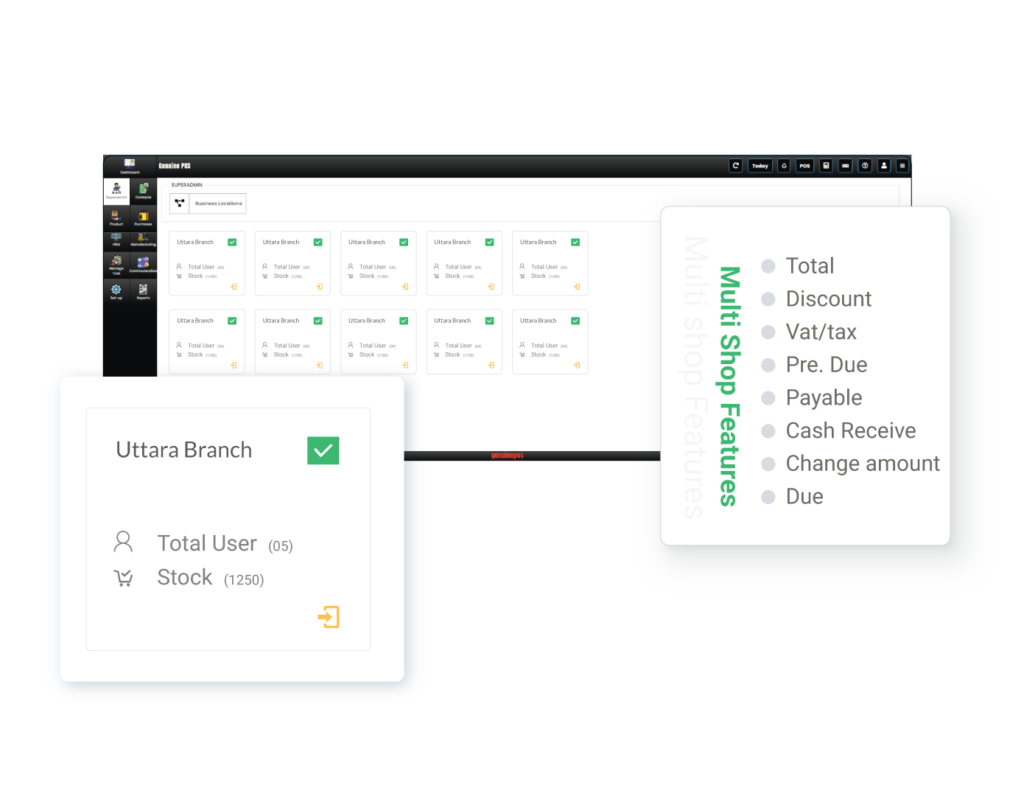
Add every shop and warehouse to one GPOS account. Each branch keeps its own stock, sales and staff, and consolidated reports show the whole business at once. A pharmacy with branches in Mirpur and Uttara can send stock from one to the other as a transfer, while each branch manager signs in with a role and permissions of their own.
- Own stock, sales and staff for each branch
- Stock transfers between shops and warehouses
- Consolidated reports for the whole business
- Admin, manager and cashier logins
-
Keeps billing when the internet drops, on any device
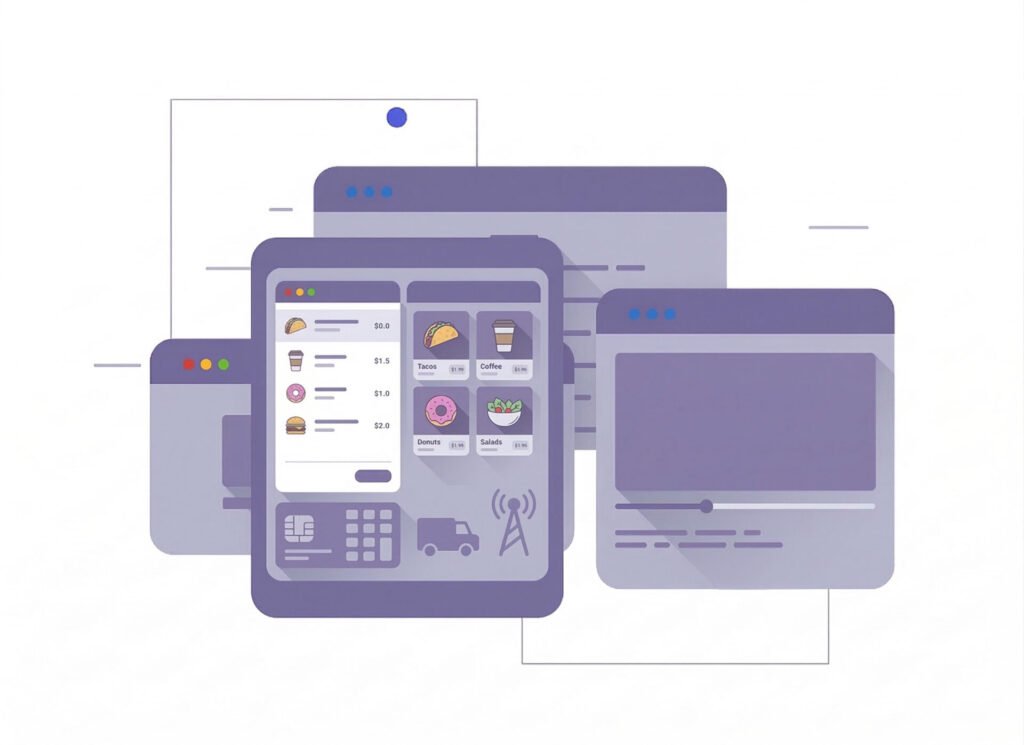
When the connection drops with a queue at the counter, the POS and your industry screens keep working, and the bills are sent once the internet is back. GPOS runs in a web browser on a PC, laptop, tablet or phone, and there is an Android app too. One shop might bill on a tablet at the counter and handle purchases on a laptop in the back office.
- Offline billing, with bills sent once you reconnect
- Runs in the browser on PC, laptop, tablet or phone
- An Android app as well as the web version
- Works with your printer, scanner and cash drawer
Powerful Core Modules for Business Management in GPOS Systems

Multi business / Multi Branch
- Separate Business Profiles with BackOffice
- Branch-Level User Permissions
- Inventory Management Across Branches
- Branch-Specific Real-Time Reporting
- Chain Shops and Multiple Businesses on One Platform

BackOffice
- Advanced Reporting and Business Analytics
- Inventory Management and Control
- Promotions and Discounts Management
- Real-Time Reporting and Automation
- Employee Management and Expense Control

Multi Warehouse
- Centralized Inventory Control
- Stock Transfers Between Warehouses
- Warehouse-Specific Stock Allocation
- Location-Based Reporting and Insights
- Integration with Shipping and Logistics

Communication
- Centralized Notifications and Alerts
- Internal Messaging System
- Customer Communication
- Integration with External Communication Tools
- Communication Logs and History

Accounting
- Real-Time Financial Tracking
- Tax Calculation and Compliance
- Multi-Currency Support
- Financial Reporting and Insights
- Profit and Loss Analysis

Advertisements
- Campaign Creation and Management
- Digital Display Integration
- Customer Segmentation and Targeting
- Performance Tracking and Analytics
- Upselling and Cross-Selling Promotions

HRM
- Employee Profiles and Roles
- Attendance and Shift Management
- Payroll Integration
- Performance Monitoring
- Training and Compliance

CRM
- Customer Profiles and History
- Loyalty and Rewards Programs
- Targeted Marketing Campaigns
- Feedback and Reviews Management
- Enhanced Customer Service
Getting started 4 steps
How to get started with GPOS in Bangladesh
Four steps take you from a first look at GPOS to your first sale, at your own pace. If you get stuck, the team in Dhaka is a phone call or an email away.
-
Book a demo or start a free trial
Pick your business type, then book a free demo or start on a trial plan. Your business gets its own web address and its own separate database.
-
Set up your shops and products
Add your shops and warehouses, then your products with their prices and VAT rates. Products, customers and suppliers can come straight in from Excel.
-
Add staff logins and connect hardware
Create a login for each cashier and manager, with the permissions their role needs. Connect your receipt printer, barcode scanner and cash drawer, or buy new hardware from GPOS.
-
Sell, then watch it all update
Bill on the POS, as an invoice or on your industry screen. Stock, dues, accounts and reports update with every sale, purchase and payment.
Before you switch
Frequently asked questions
Short answers to what business owners in Bangladesh ask before choosing a POS.
Expert team, 24/7
With dedicated 24/7 support, GPOS goes beyond being just a platform. We are your partner, from setup and data import to training your staff.
- Support
- 24/7, dedicated
- Setup
- Same day, nothing complicated
- Trial
- Free, before you buy
What is the best POS software in Bangladesh?
There is no single best POS for every business, so look for five things: VAT (Mushak) documents, billing that carries on when the internet drops, every branch on one account, a choice of Bangla or English, and a support team you can reach in Bangladesh.
GPOS covers all five. It is cloud POS, inventory and accounting software from Dhaka, with tools for each trade, such as generic-name search for pharmacies and KOT for restaurants. Book a free demo and judge it against the way your business runs.
How much does POS software cost in Bangladesh?
The cost depends on the modules you choose, how many branches you run and how many users need a login. GPOS has three plans for every industry: Basic, Standard and Premium. Current prices are on the plans page.
You start with a free trial, upgrade whenever you are ready, and add from more than 40 modules and apps as the business grows. To see it working for your trade first, book a free demo.
Does GPOS work without an internet connection?
Billing carries on in offline mode when the internet drops, and GPOS sends the bills to the cloud when the connection returns.
A dropped connection during the Eid rush does not have to stop the counter, and in a restaurant, tables, orders and KOT keep working too. Offline mode covers internet outages, not power cuts.
Can I use GPOS in Bangla?
Yes. The whole software works in Bangla as well as in English, so your staff can bill, check stock and read reports in the language they are most at home with.
Can businesses outside Bangladesh use GPOS?
Yes. GPOS runs in a web browser, so a business in any country can use it, in English. It offers multi-currency invoices, VAT or GST rates set per product, and a ZATCA e-invoicing module for signed e-invoices in Saudi Arabia (FATOORA phase 2). A free demo shows whether it fits your business.
Does GPOS handle VAT and Mushak-6.3 invoices?
GPOS handles both: it applies the VAT rate you set on each product, prints Mushak-6.3 invoices and produces the VAT registers and the return worksheet.
Purchases can carry purchase tax, and customer and supplier records hold their VAT numbers. The rates are yours to set, so confirm them with your accountant when you add your products. For the books themselves, see the accounting software.
Can I run branches in different cities on one account?
Yes. A shop in Gazipur, another in Narayanganj and a third in Khulna can all run from one GPOS account, with separate stock, sales and staff for each branch.
Goods move between shops and warehouses as stock transfers, consolidated reports show every branch together, and the staff at each branch get logins of their own. Because GPOS runs in the cloud, the distance between branches makes no difference. Read more on the multi-store POS page.
What hardware do I need to run GPOS?
No special hardware: GPOS is hardware-independent and runs in a web browser on the PC, laptop, tablet or phone you already own, and there is an Android app as well.
At the counter it works with thermal receipt printers, barcode scanners, label printers and cash drawers, and a restaurant can print KOT on 80mm or 58mm printers. If you are setting up a new shop, GPOS also sells POS hardware, listed on the hardware page.
Which businesses can use GPOS?
Retail and fashion shops, super shops, grocery stores, pharmacies, electronics and mobile shops, jewellery shops, restaurants and cafes, salons, laundries, tailors, wholesalers and distributors can all use GPOS, as can businesses that mainly need accounting.
Each trade gets its own tools: batch recall and first-expiry-first-out for pharmacies; EMI sales and a guarantee register for jewellery; cartons and pieces for wholesale; job cards and karigar wages for tailors; and a tag on every piece for laundries. Start with the page for your trade, such as the pharmacy POS or the jewellery POS.
Where is GPOS based, and how do I get support?
Support comes from the GPOS team at the head office in Uttara, Dhaka, and it is available 24/7. Call 0179 22 88 555 or 0182 92 33 333, or email support@gposs.com for help with the system, sales@gposs.com about plans and info@gposs.com for anything else.
GPOS System is a Bangladeshi company that trades under a Dhaka trade licence, shown on the About us page. For step-by-step guides, open the Help Center.